AI Image Changer: Change Anything in Your Image
Pick a tool, upload your photo, and describe the change.
Featured
Popular picks to get started fast.
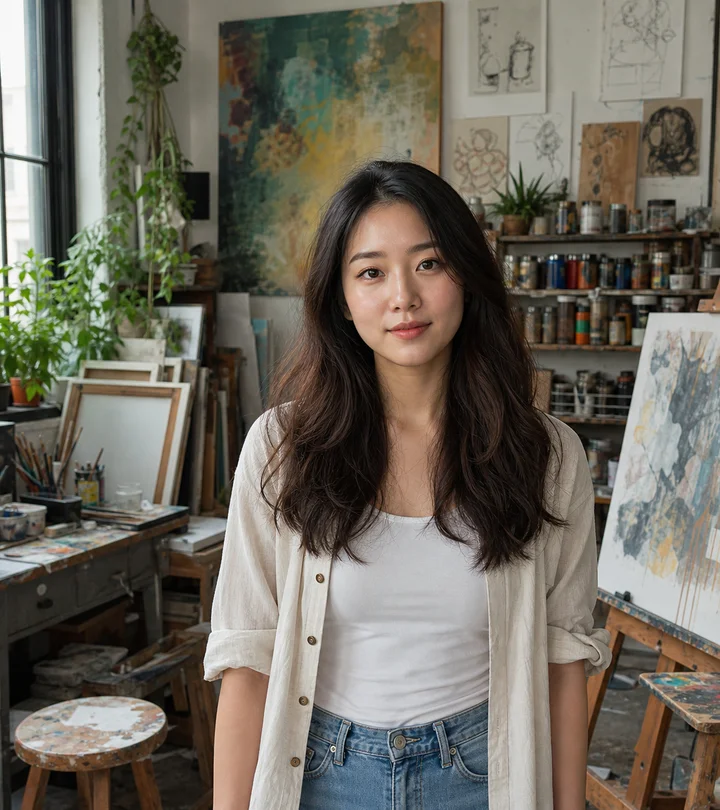 Before
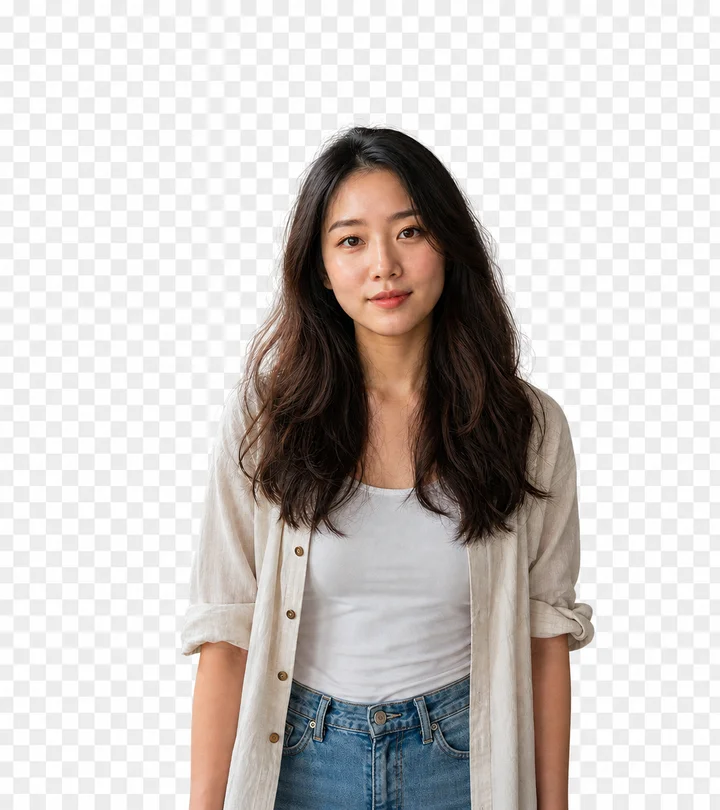 After
AfterRemove Background
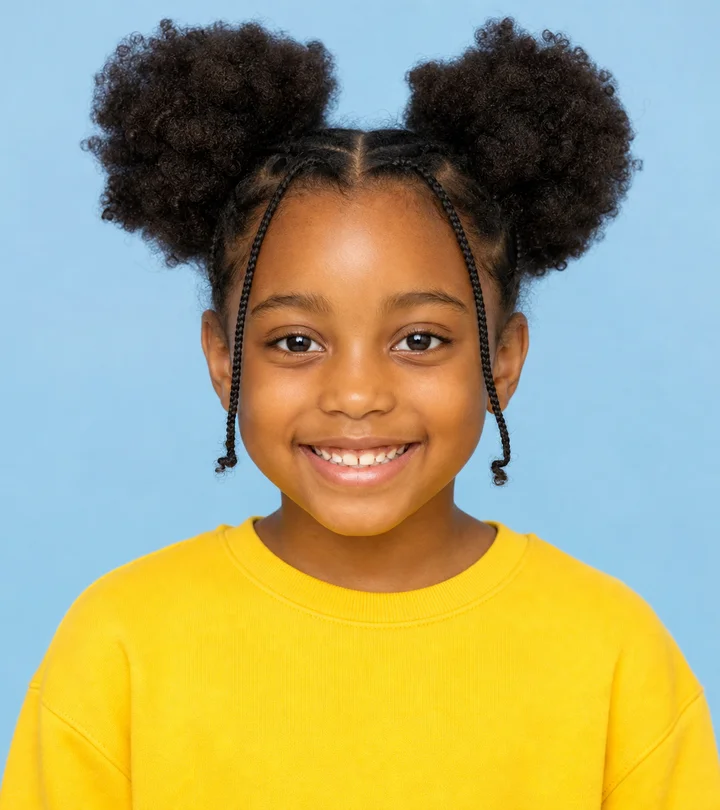 Before
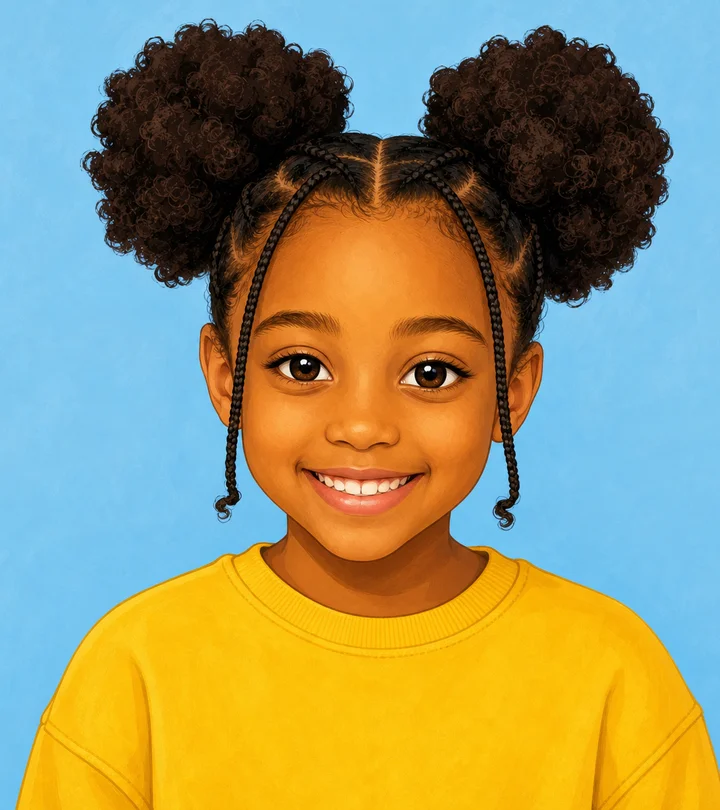 After
AfterPhoto to Cartoon
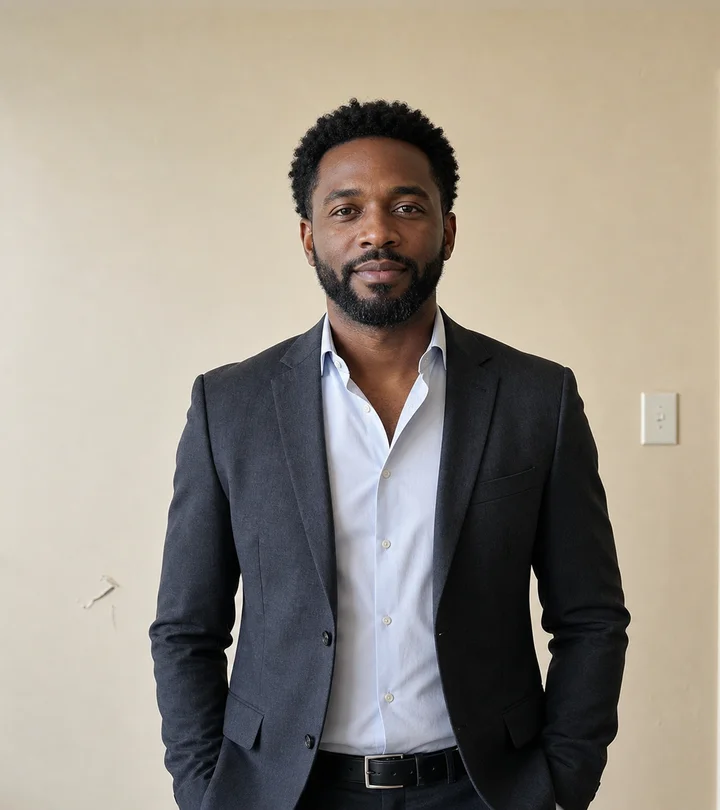 Before
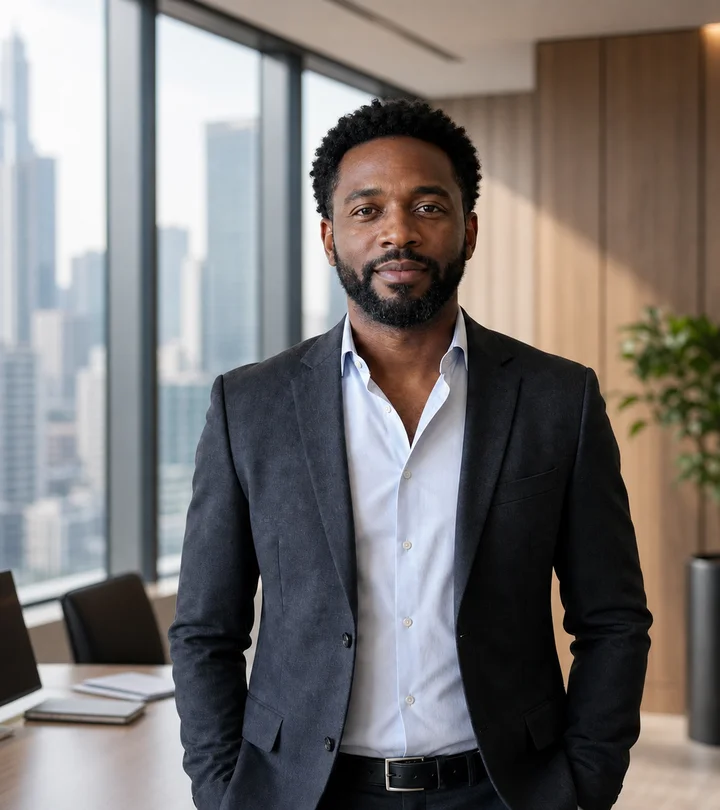 After
AfterChange Background
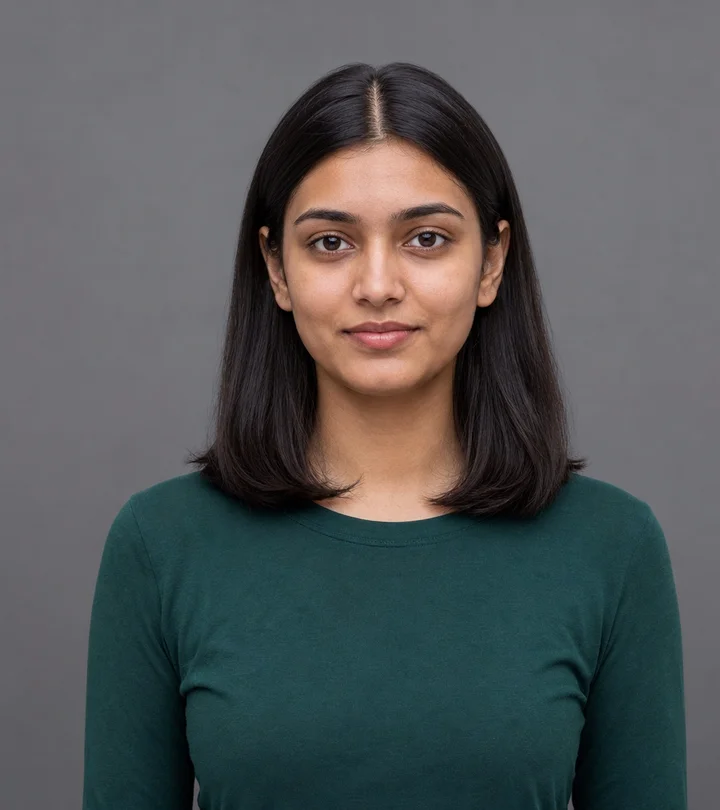 Before
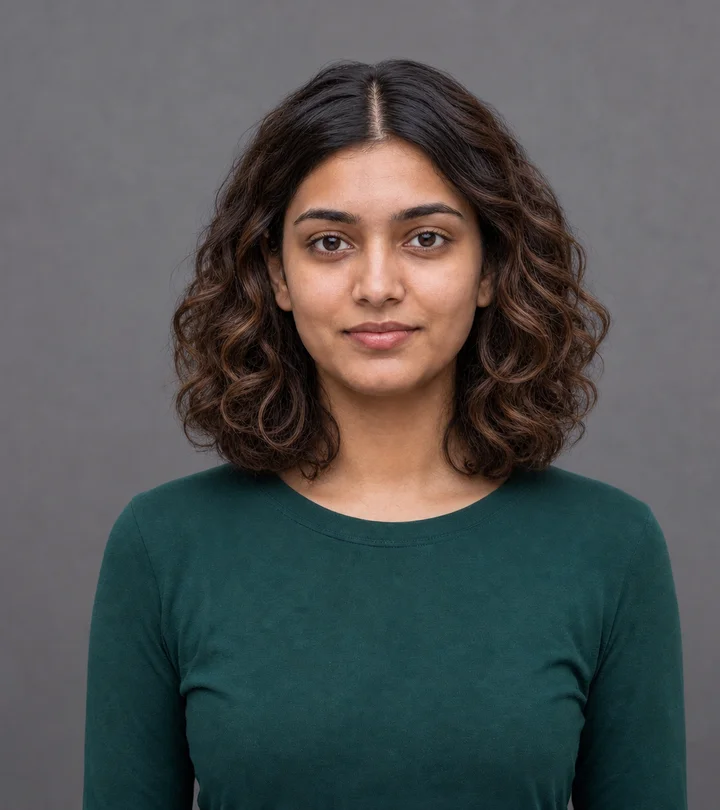 After
AfterChange Hairstyle
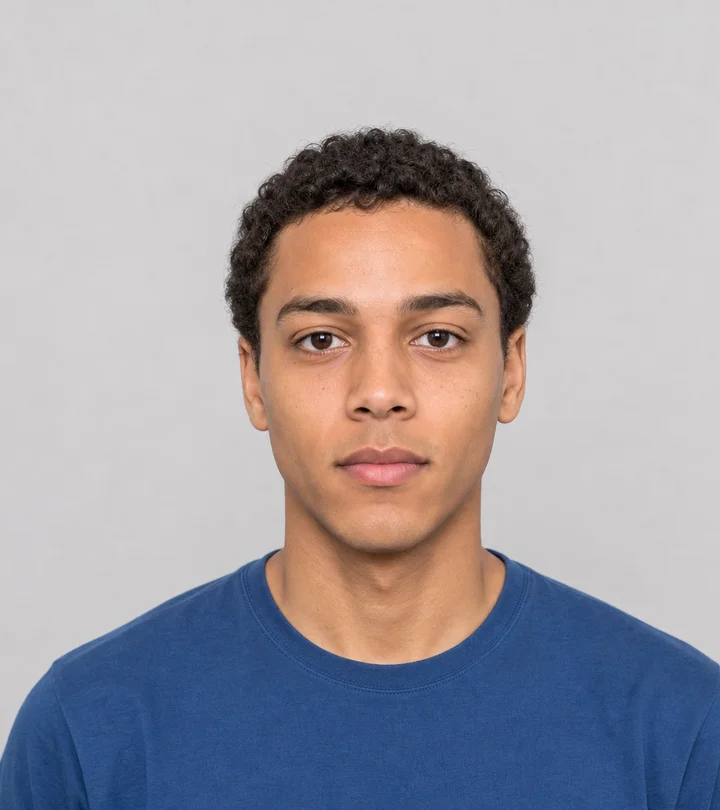 Before
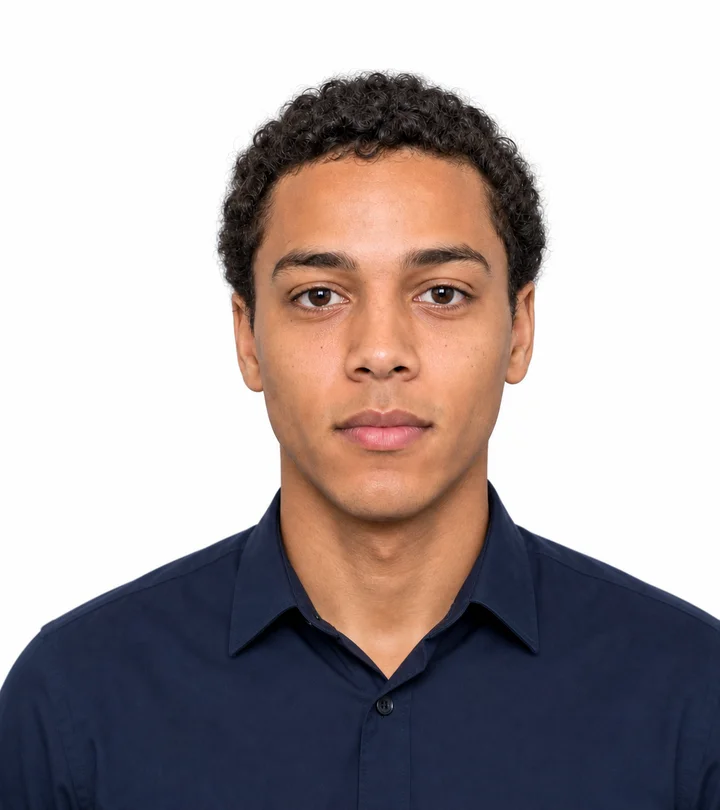 After
AfterPassport Photo
All tools
Browse every AI image tool by category.
 Before
 After
AfterGeneral AI Edit
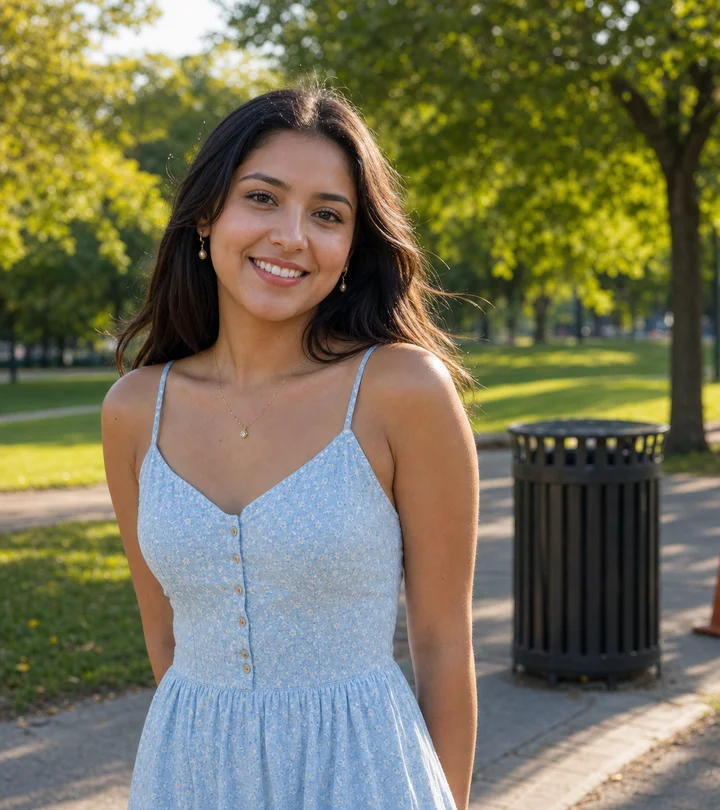 Before
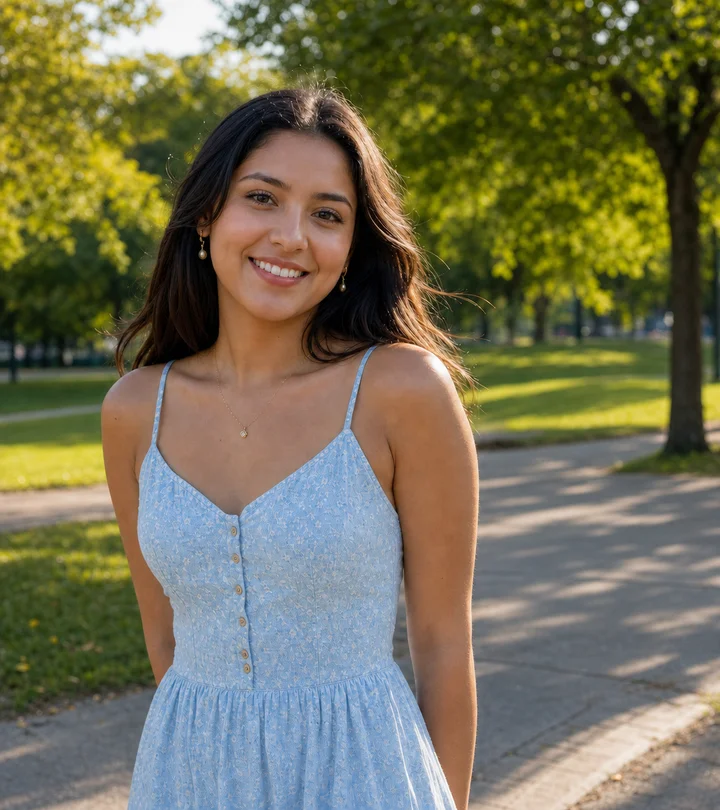 After
AfterRemove Object
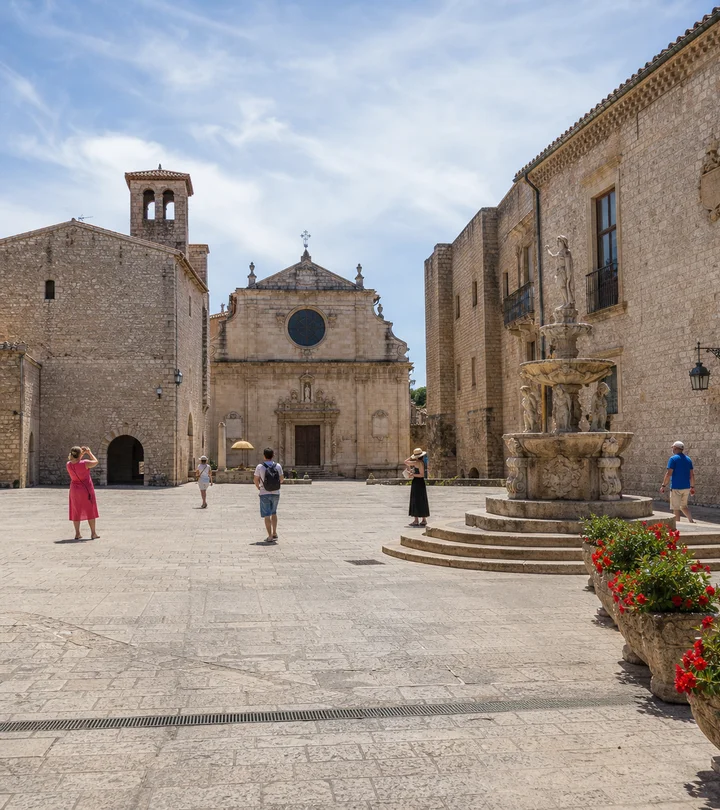 Before
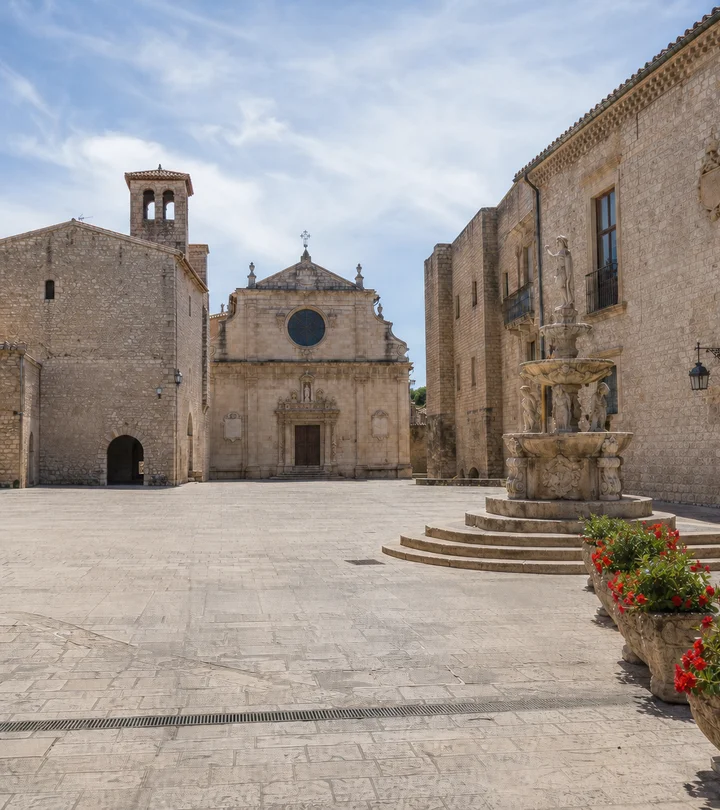 After
AfterRemove People
 Before
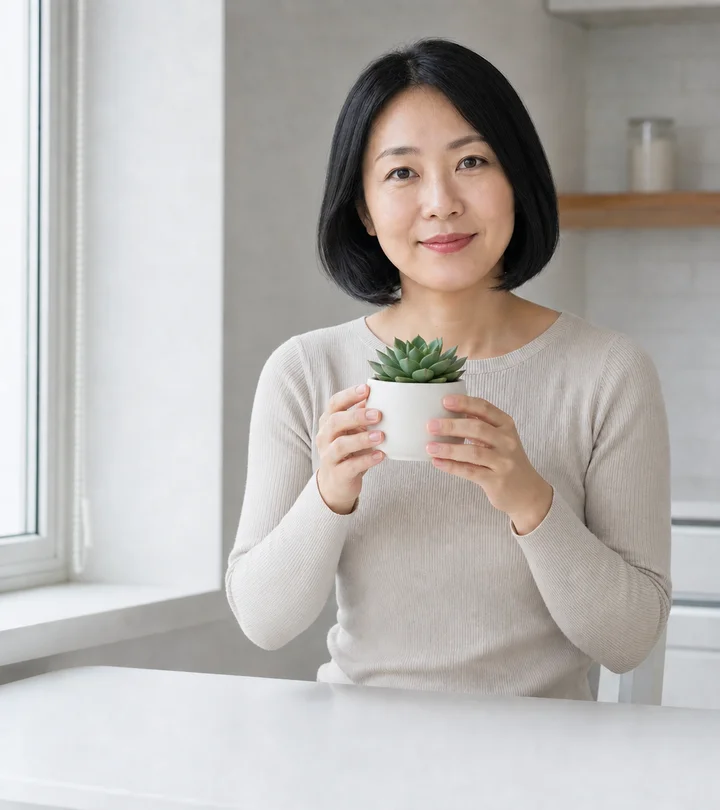 After
AfterReplace Object
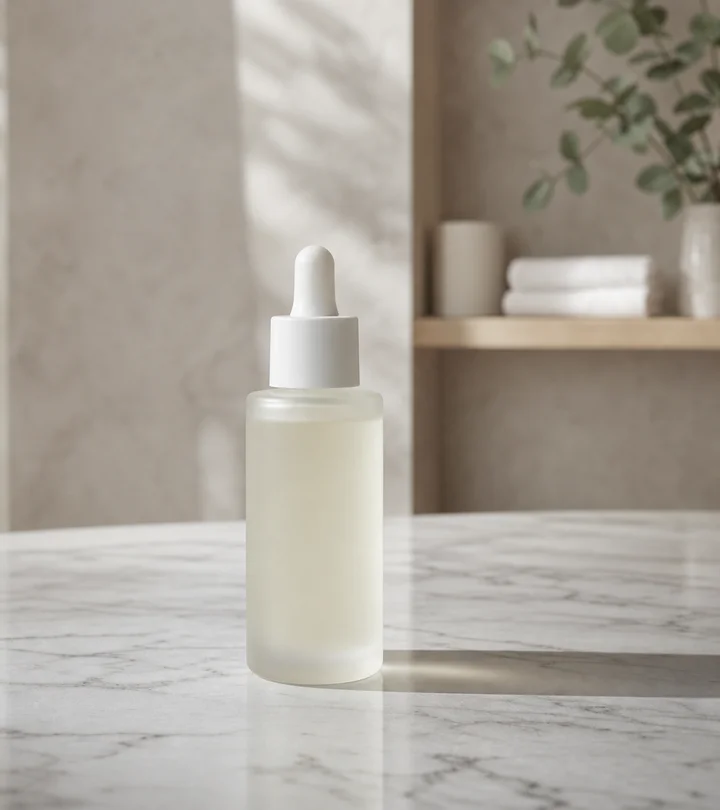 Before
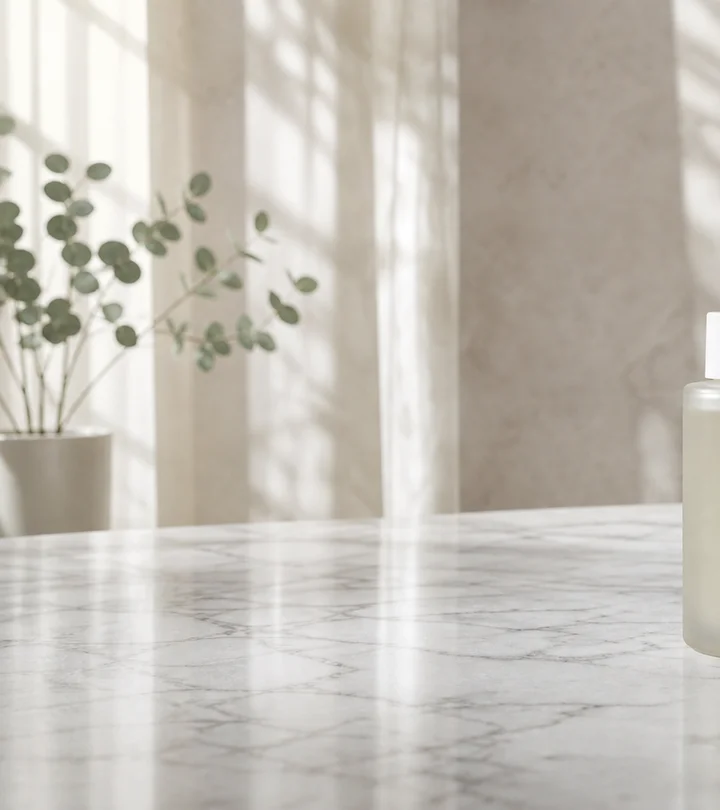 After
AfterExpand Image
BeforeAfterRemove Background
BeforeAfterChange Background
Before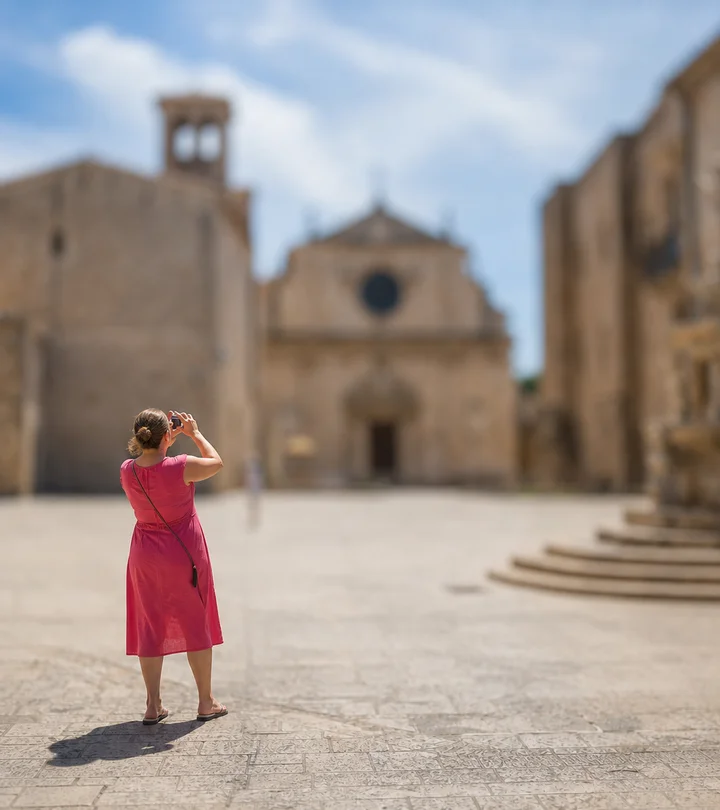 After
AfterBlur Background
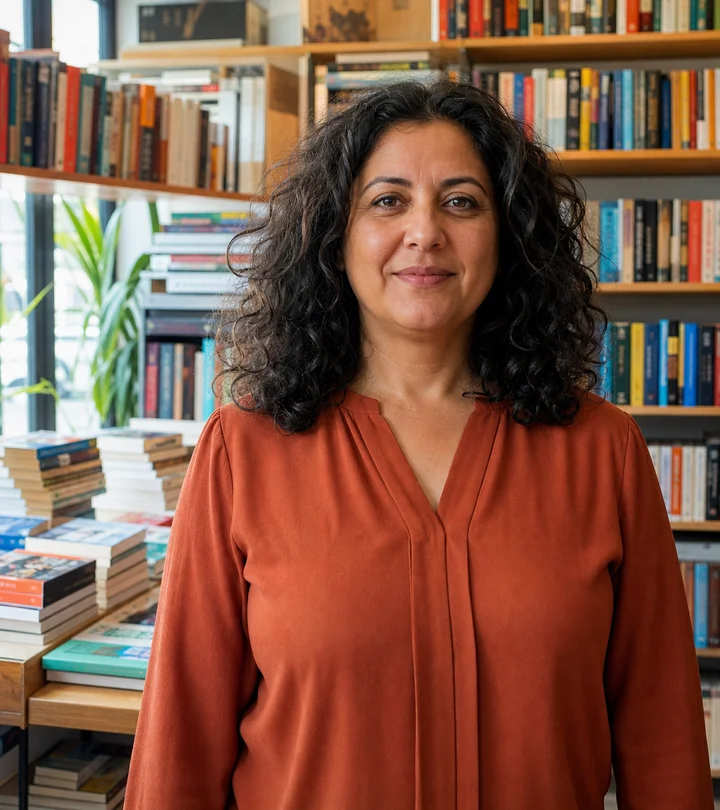 Before
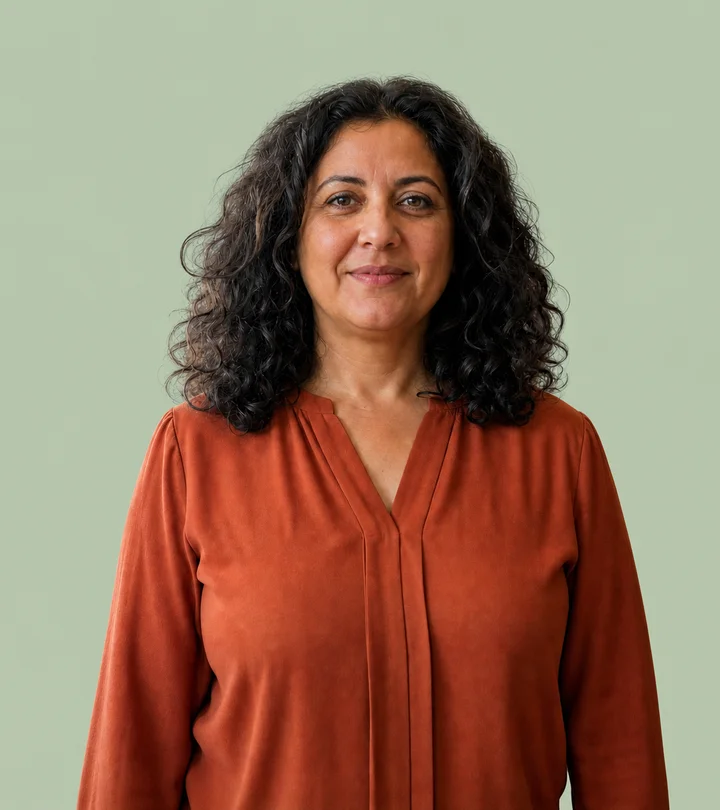 After
AfterSolid Background
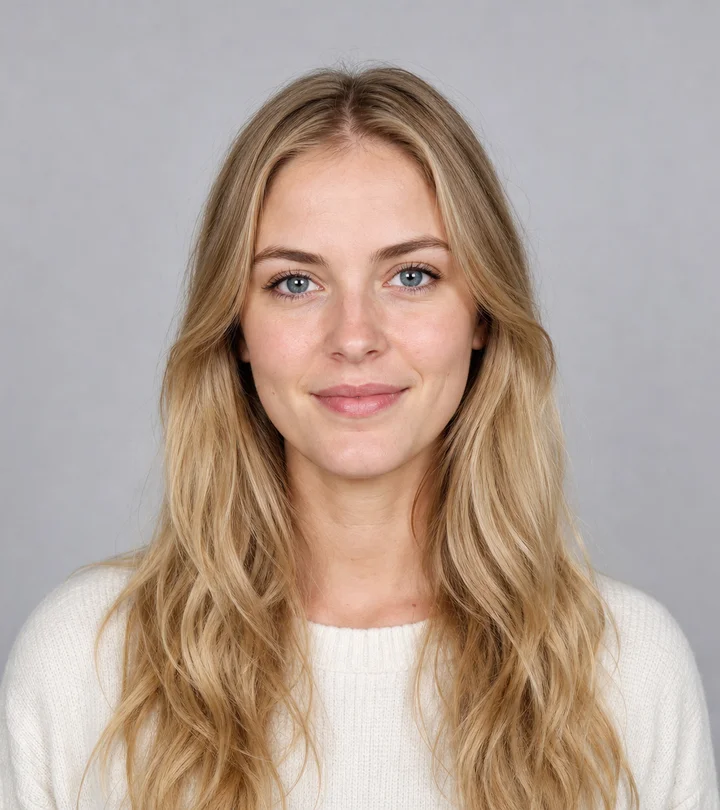 Before
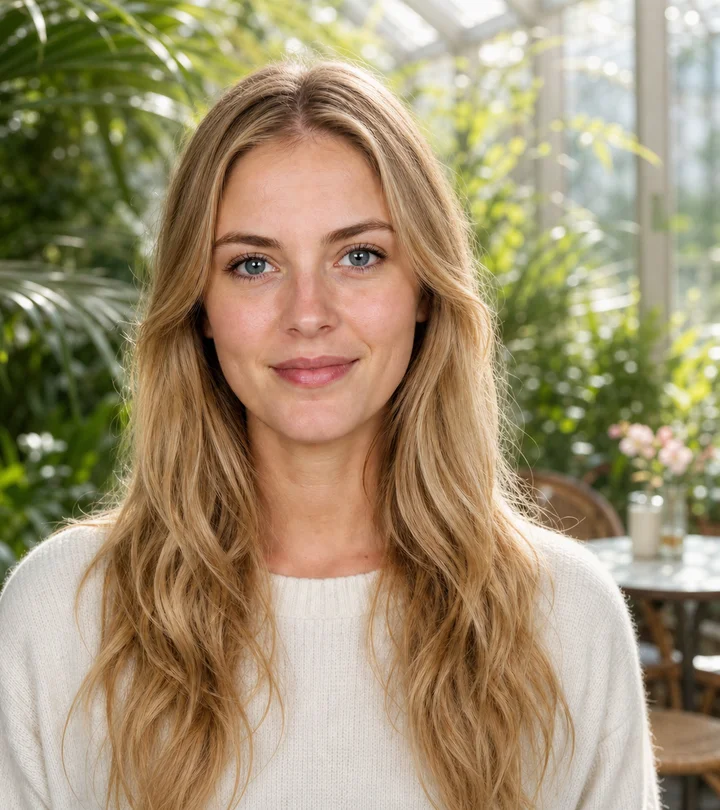 After
AfterBlend Background
BeforeAfterChange Hairstyle
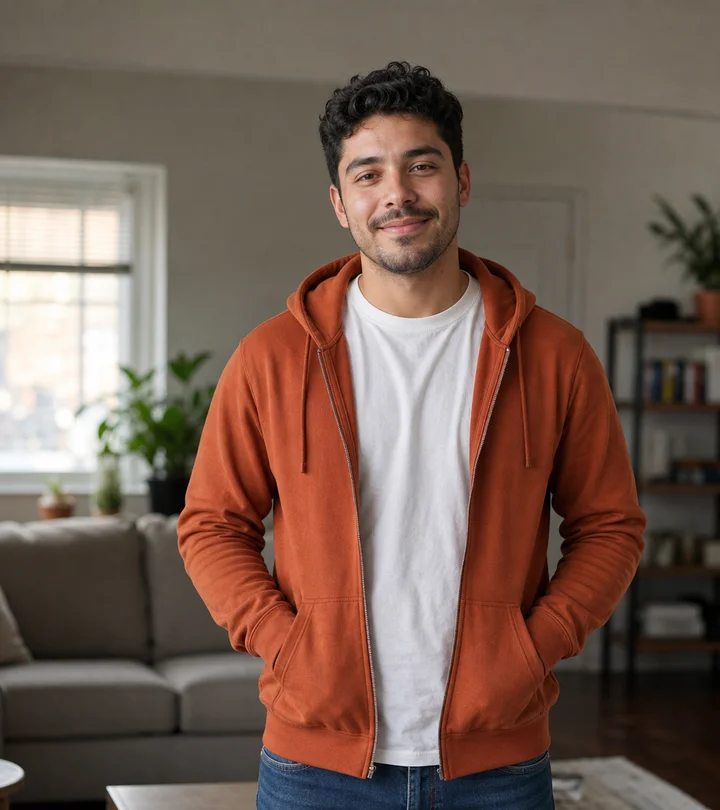 Before
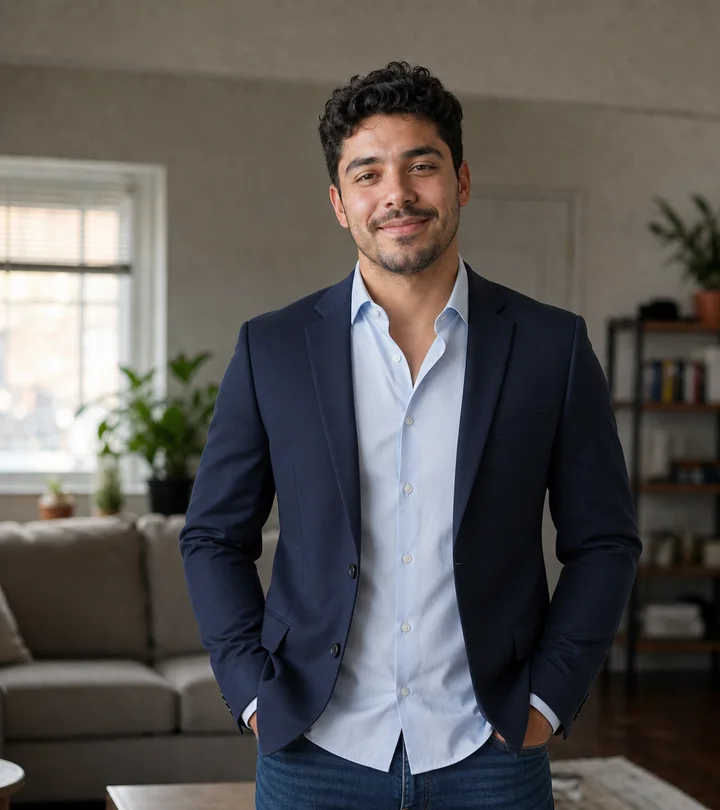 After
AfterChange Outfit
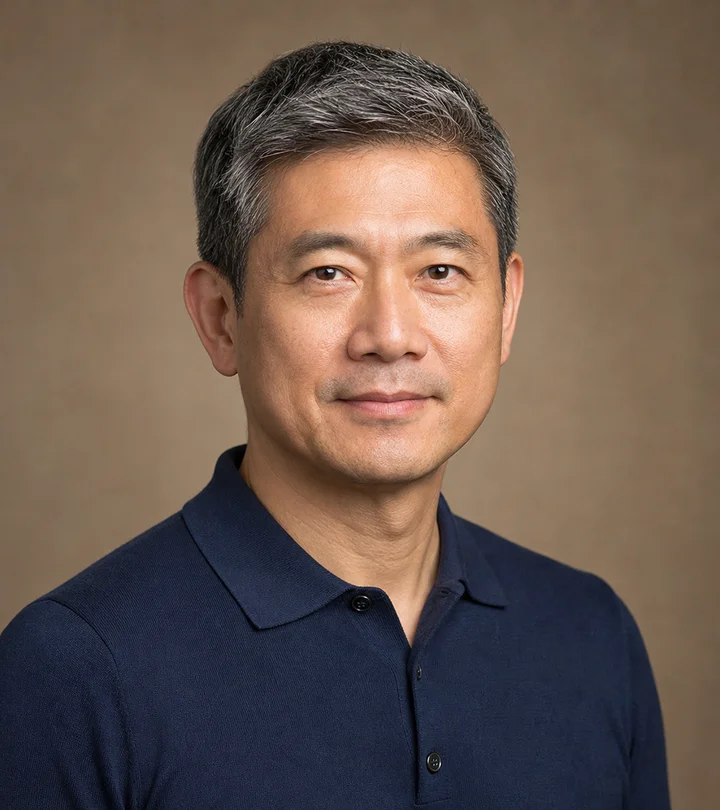 Before
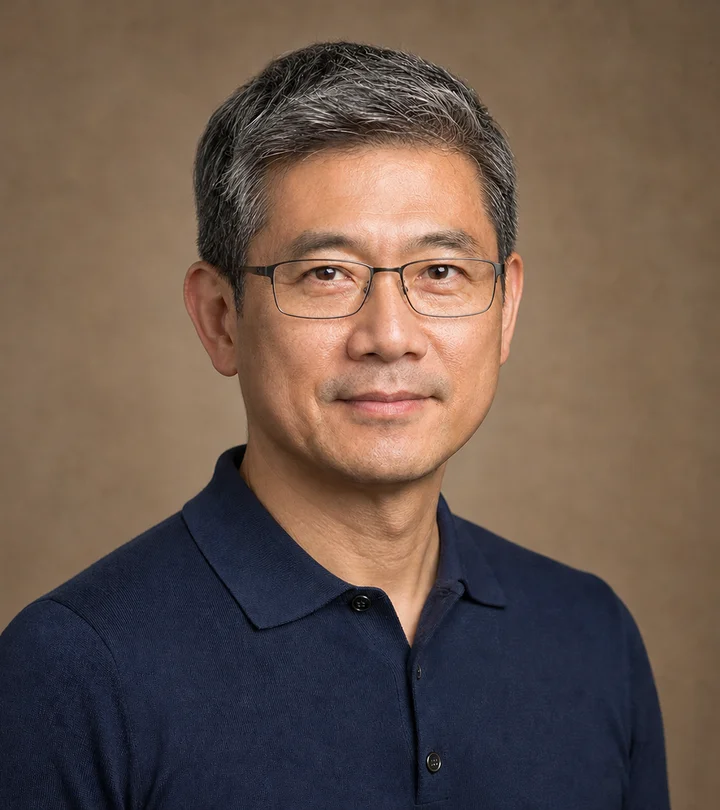 After
AfterAdd or Remove Glasses
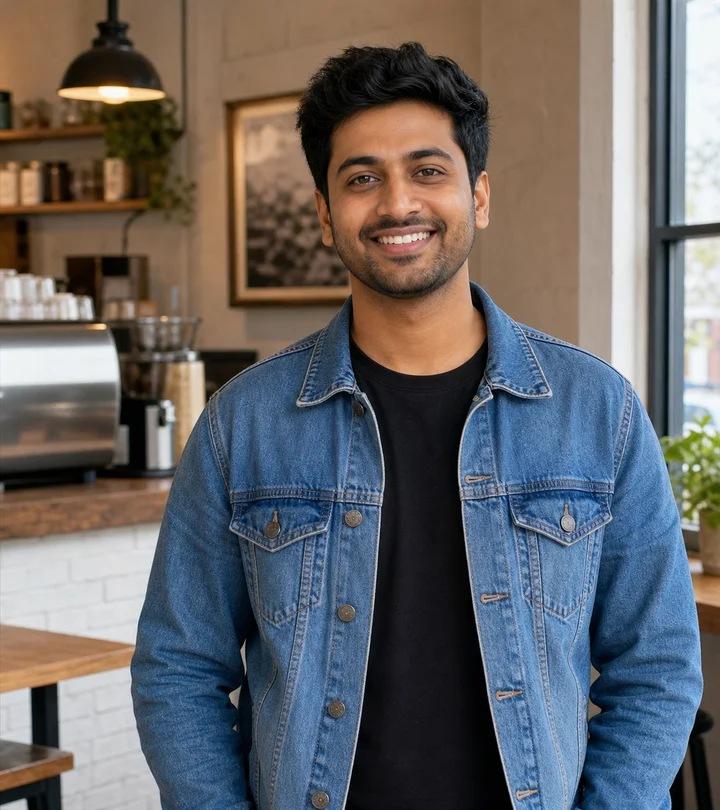 Before
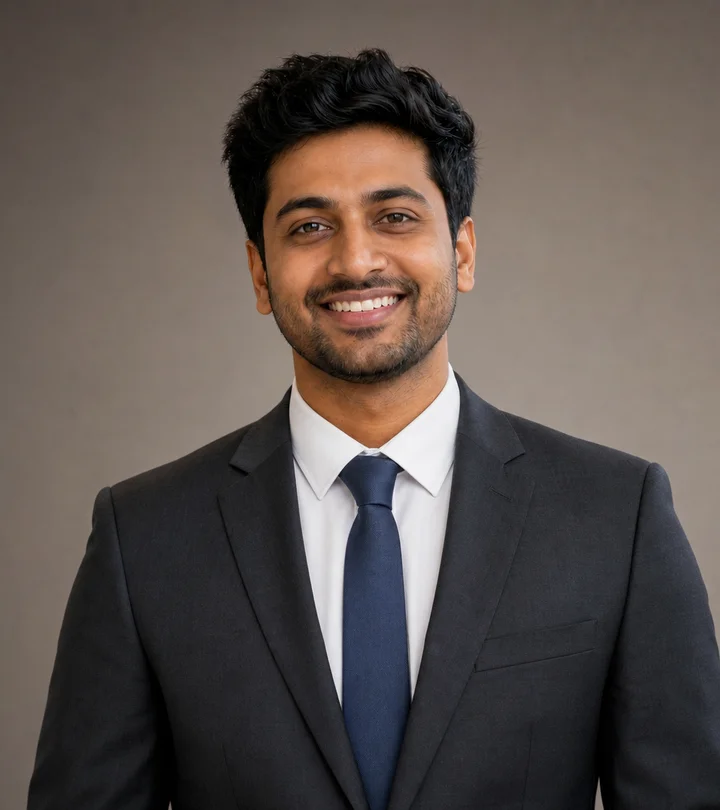 After
AfterProfessional Headshot
BeforeAfterPassport Photo
 Before
 After
AfterTeeth Whitening
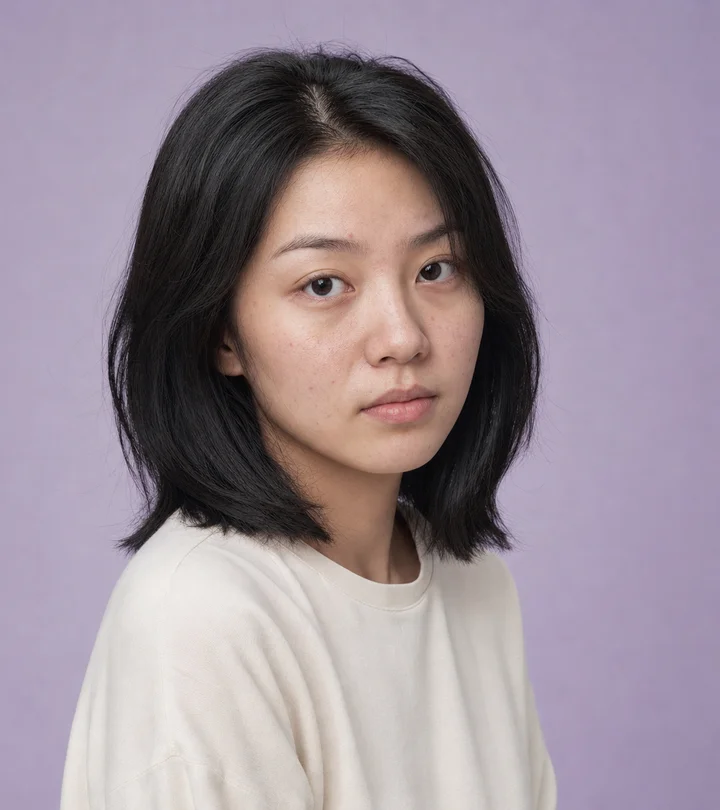 Before
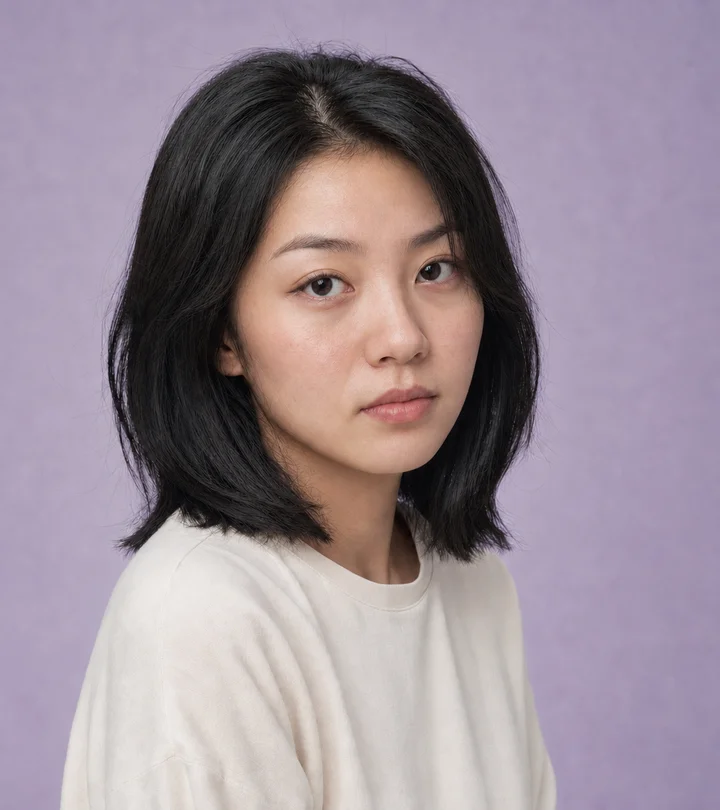 After
AfterSkin Retouch
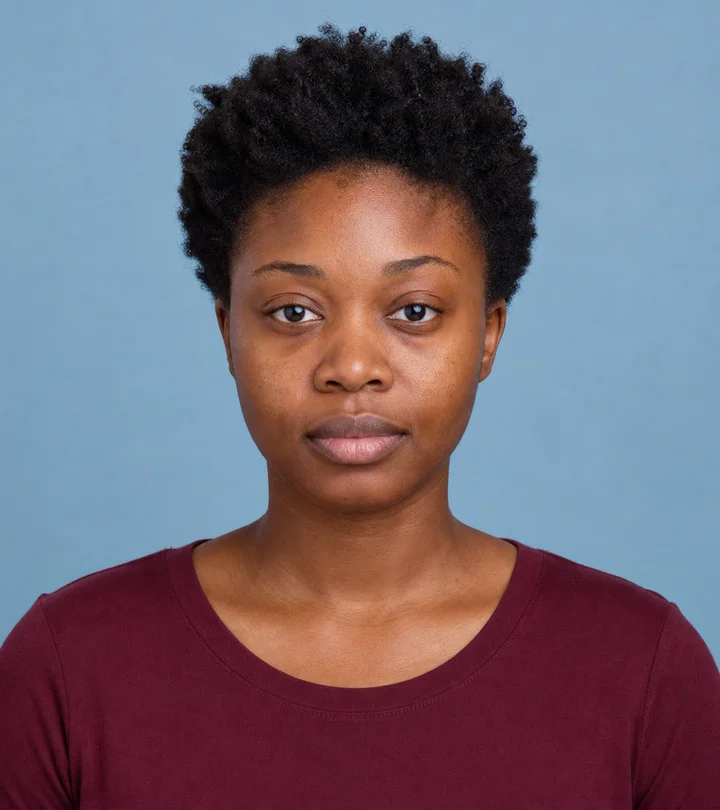 Before
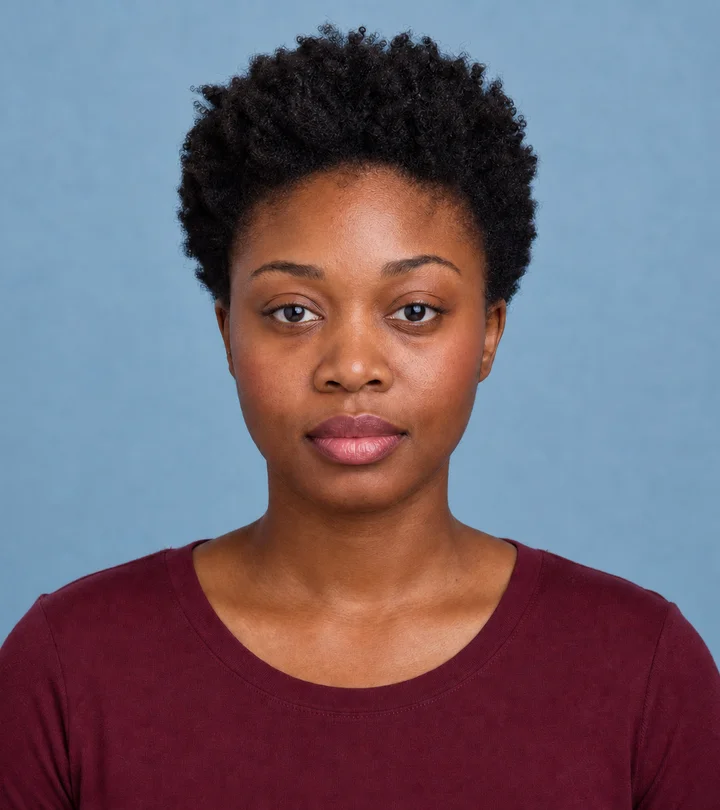 After
AfterVirtual Makeup
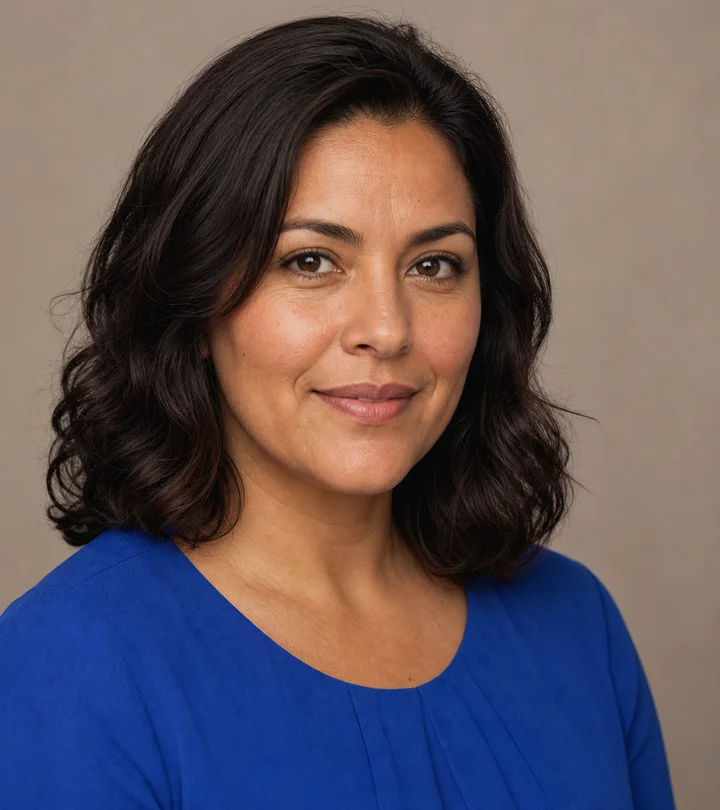 Before
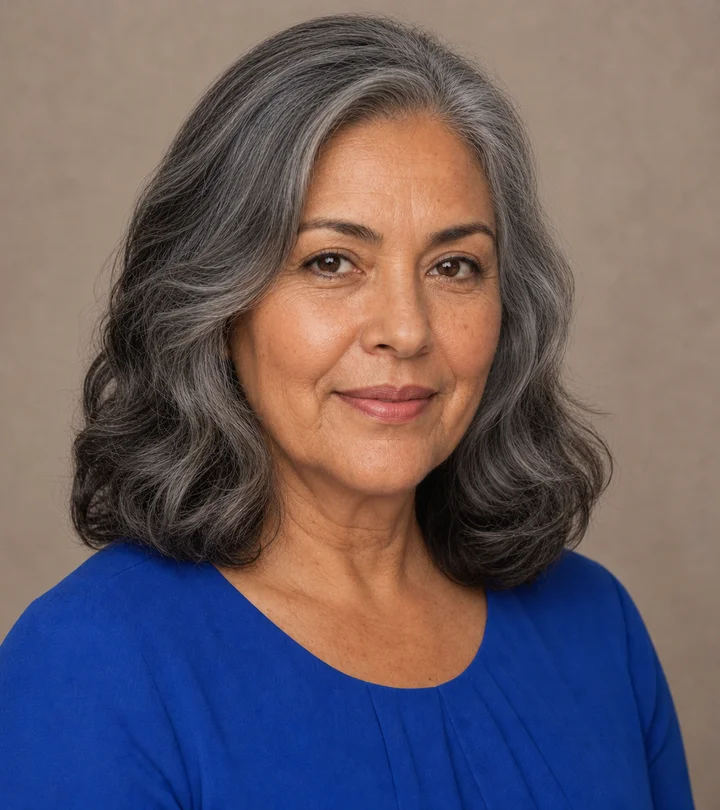 After
AfterAge Change
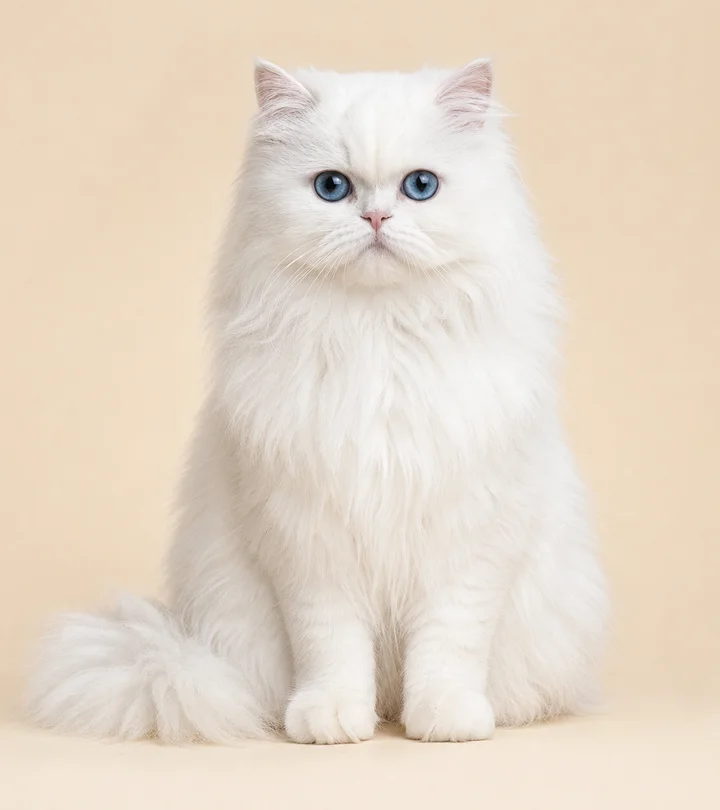 Before
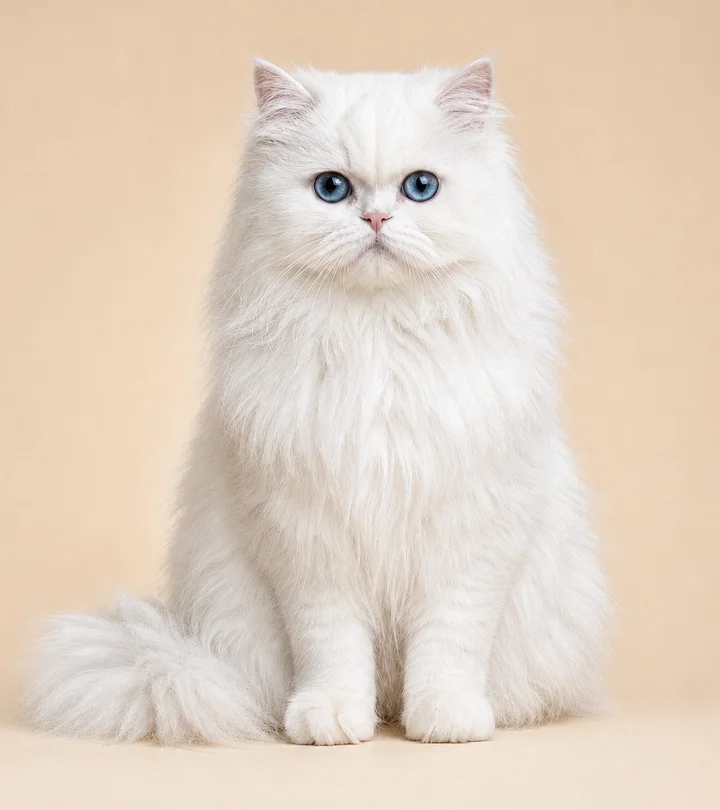 After
AfterUpscale Image
Before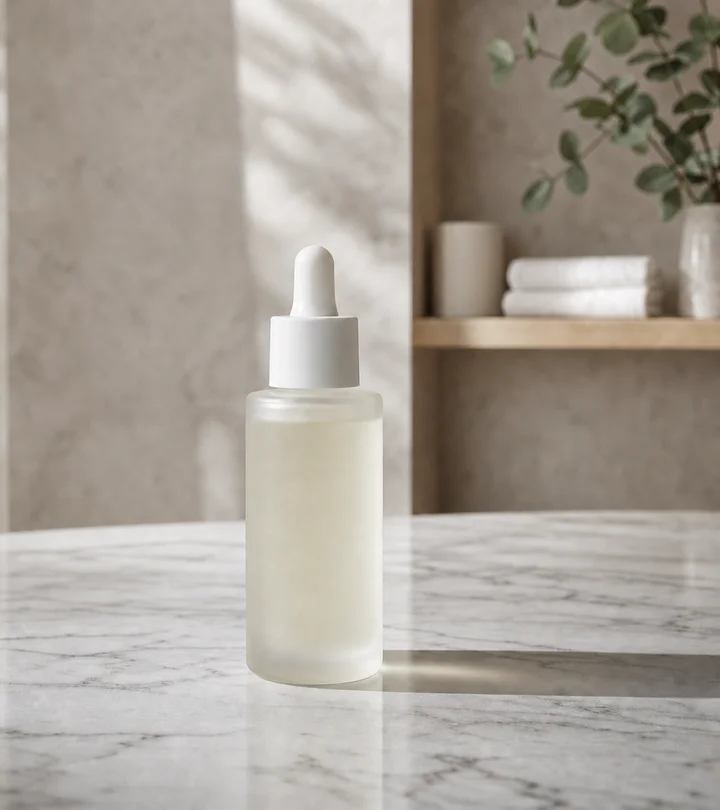 After
AfterSharpen Photo
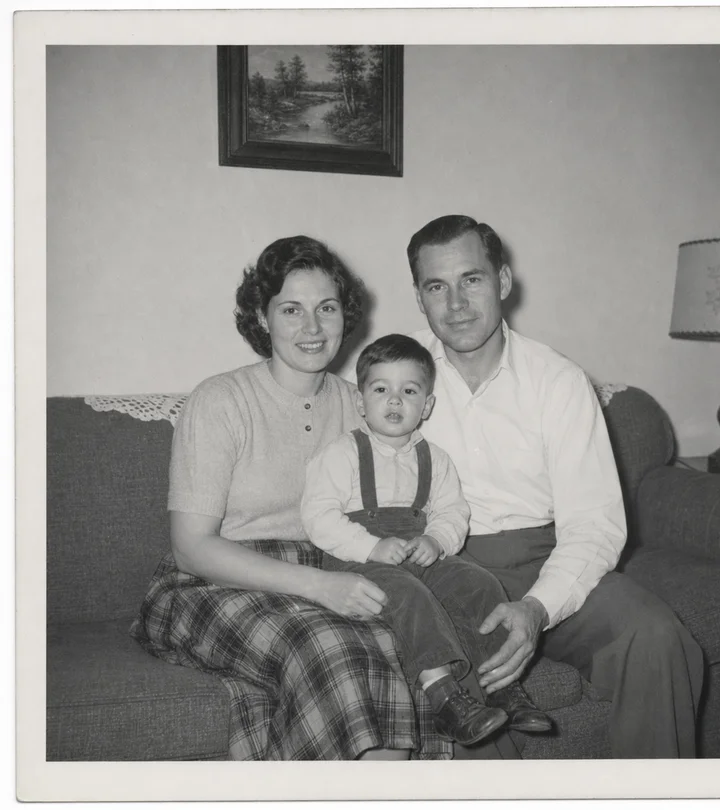 Before
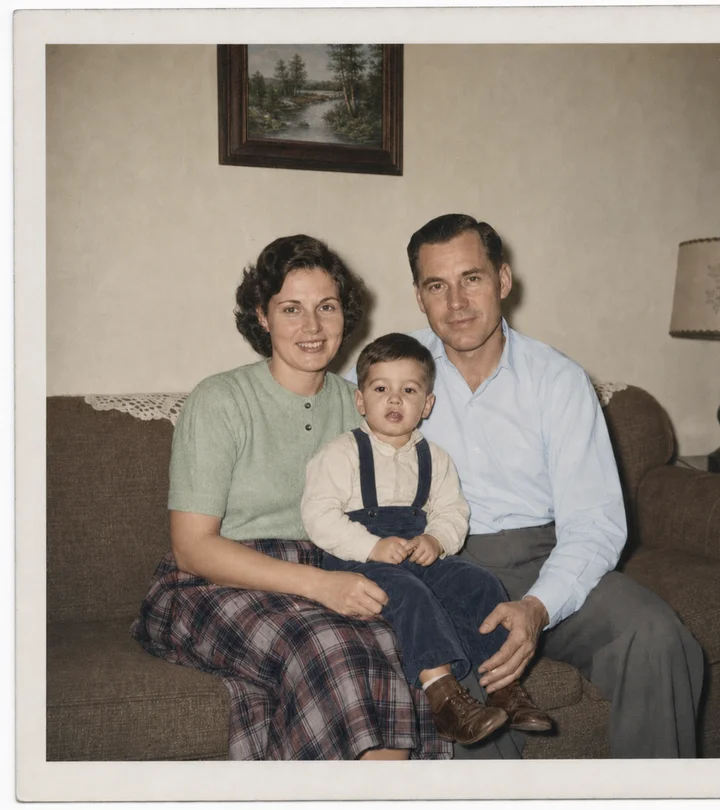 After
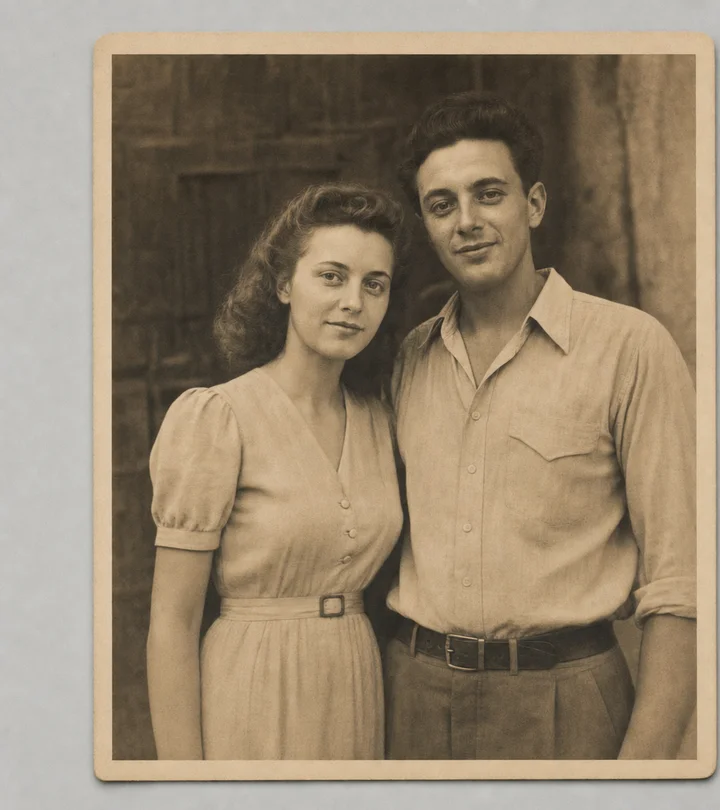
AfterColorize Photo
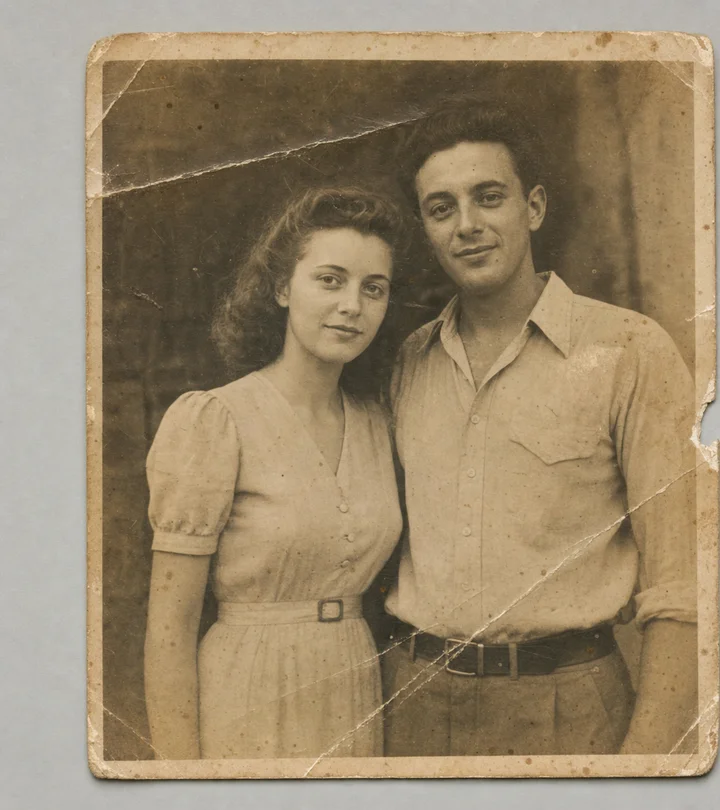 Before
 After
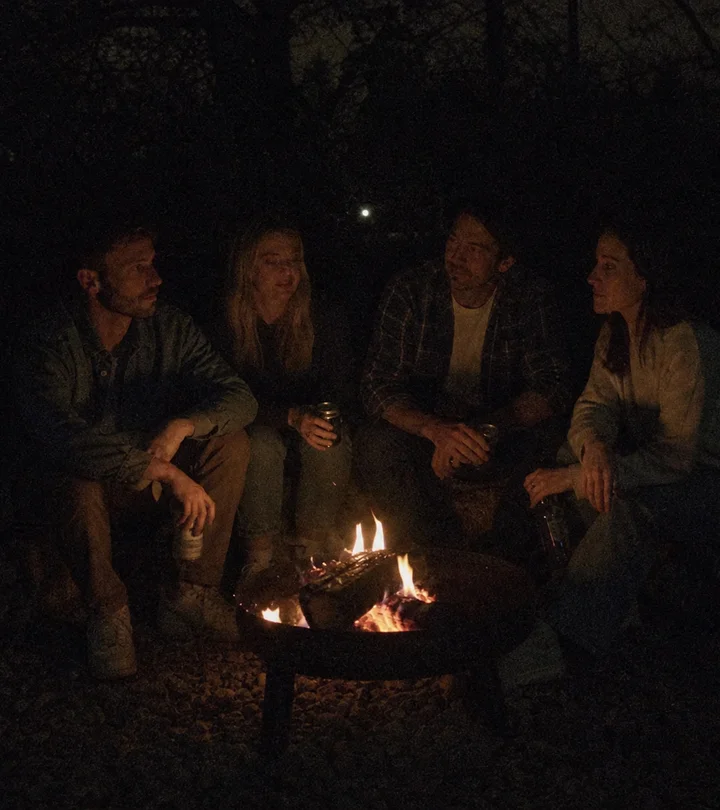
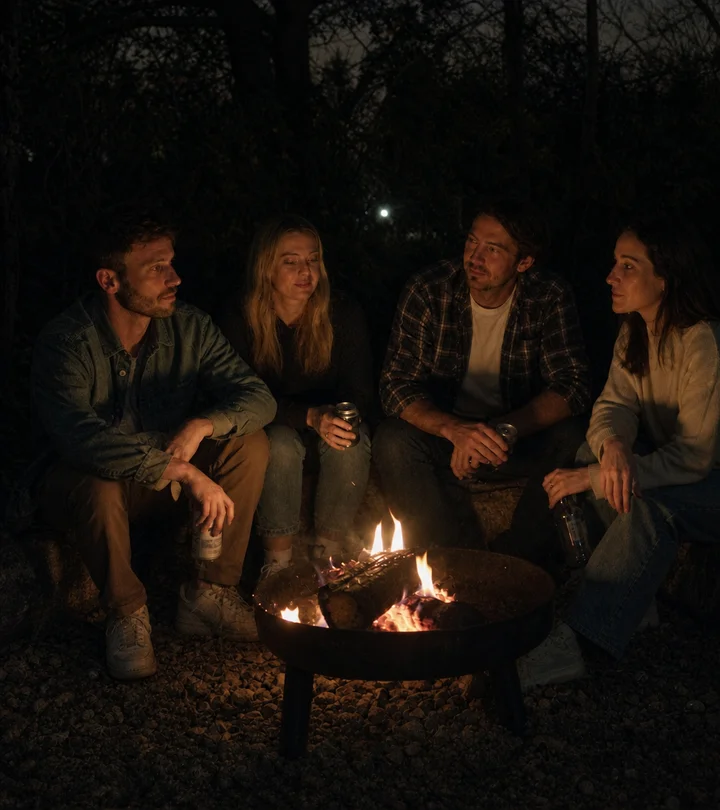
AfterRestore Old Photo
 Before
 After
AfterLow-Light Enhance
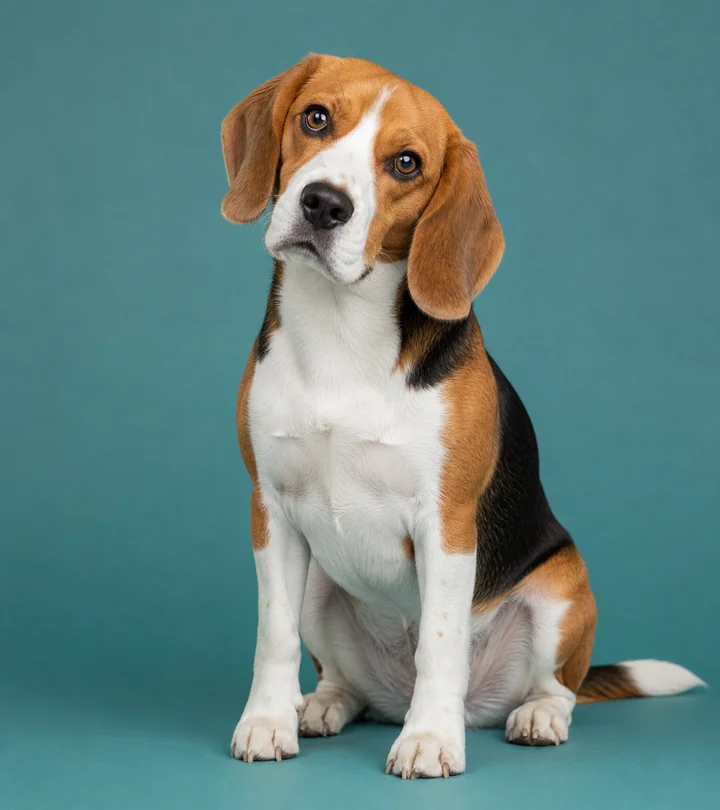
BeforeAfterPhoto to Cartoon
 Before
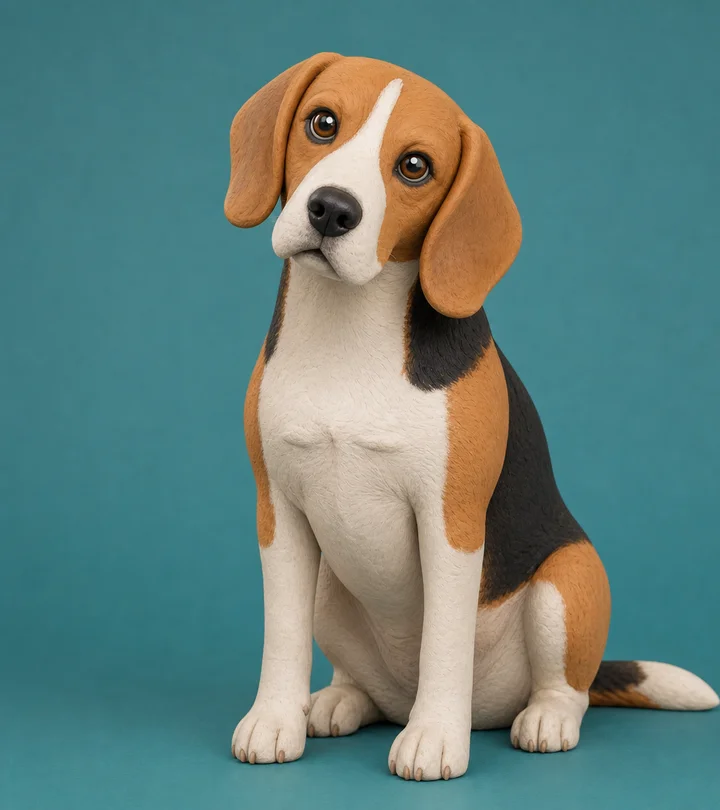 After
After3D Clay Style
 Before
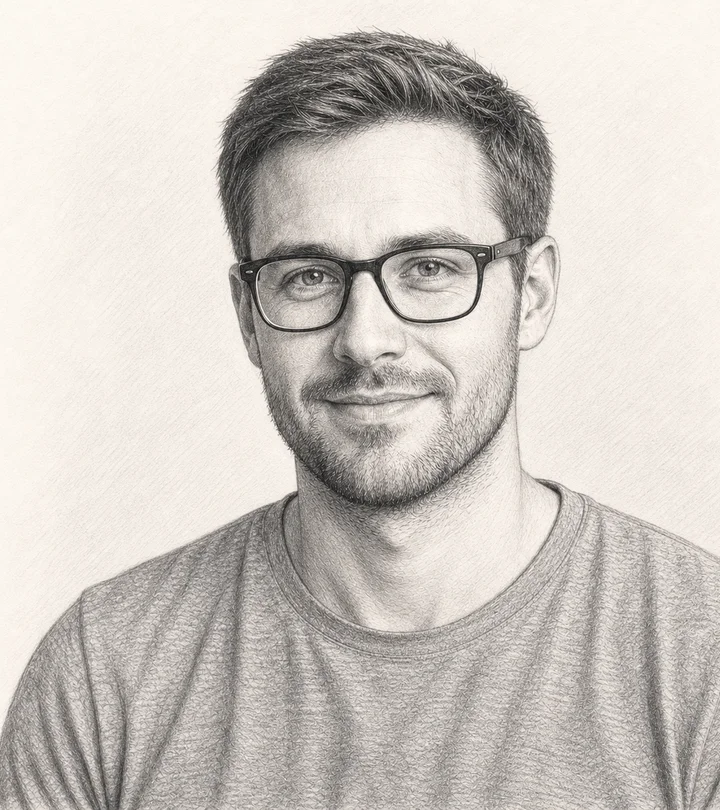 After
AfterPhoto to Sketch
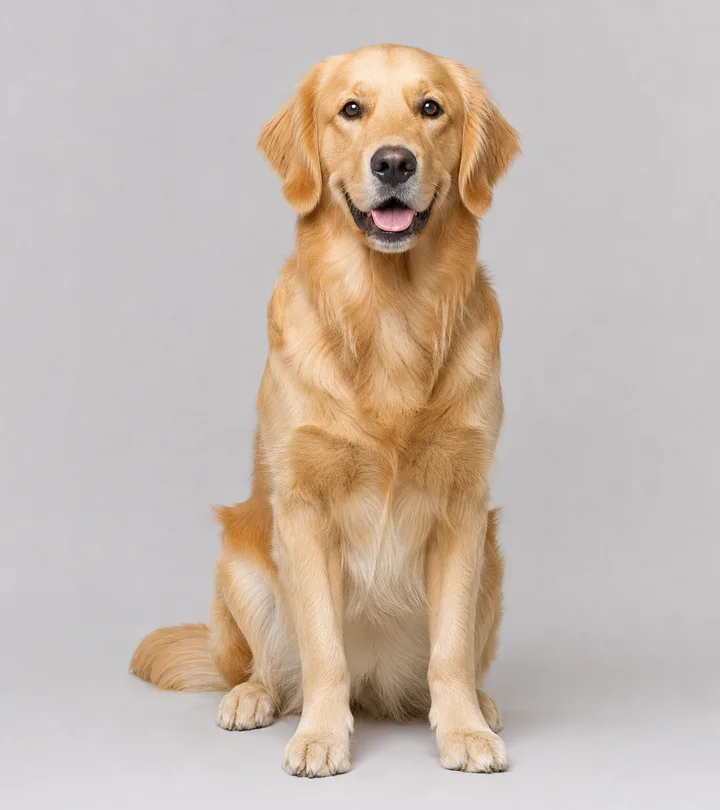 Before
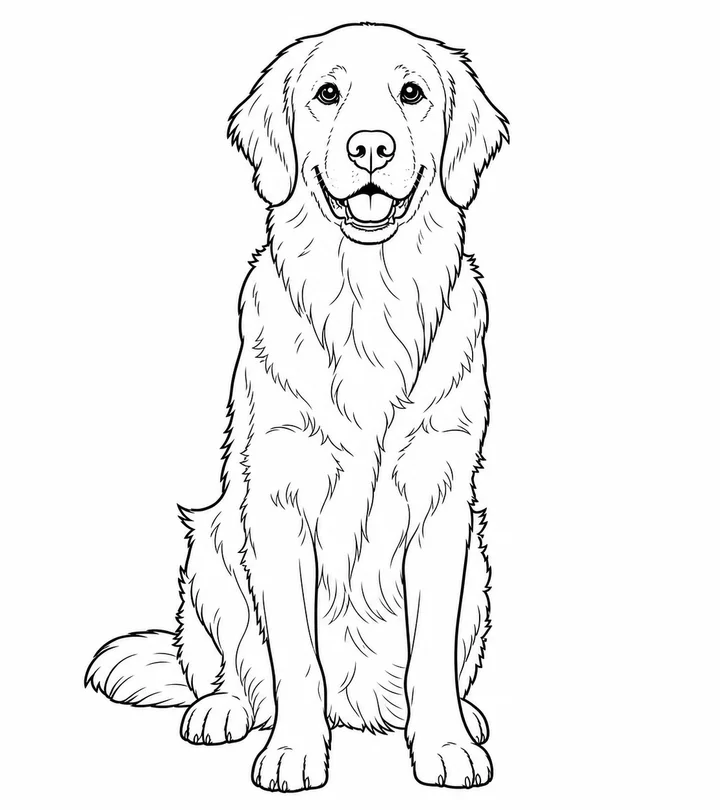 After
AfterColoring Page
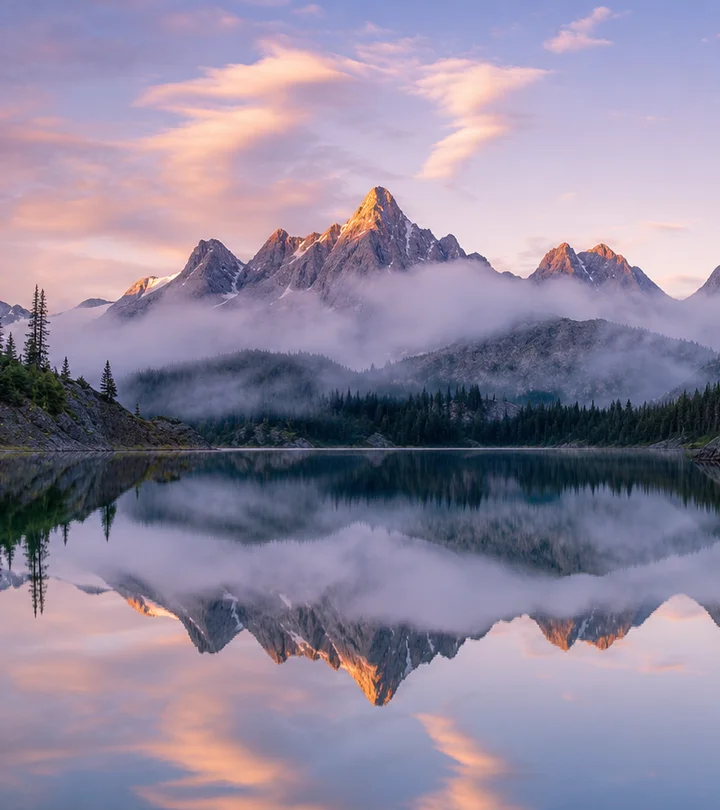 Before
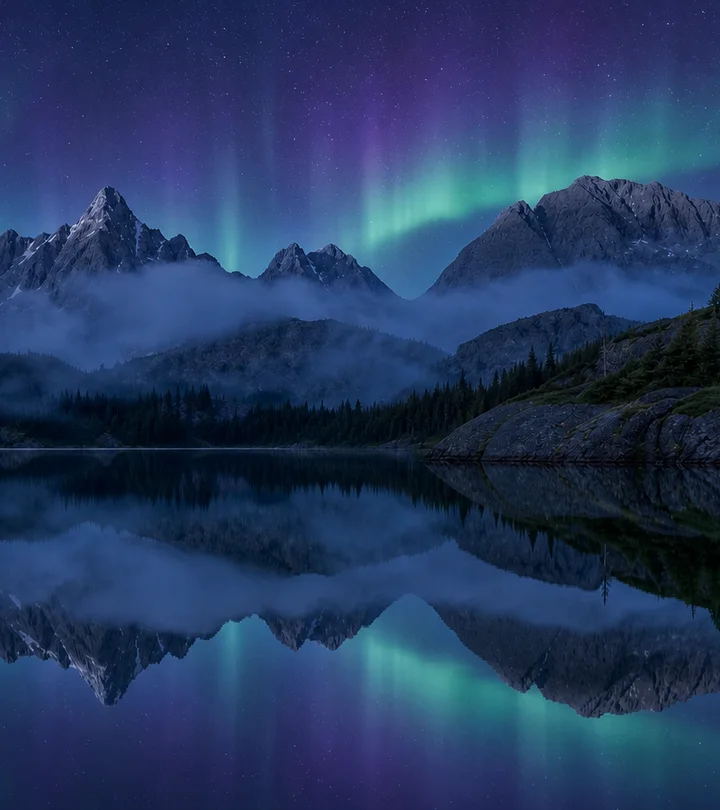 After
AfterAI Wallpaper
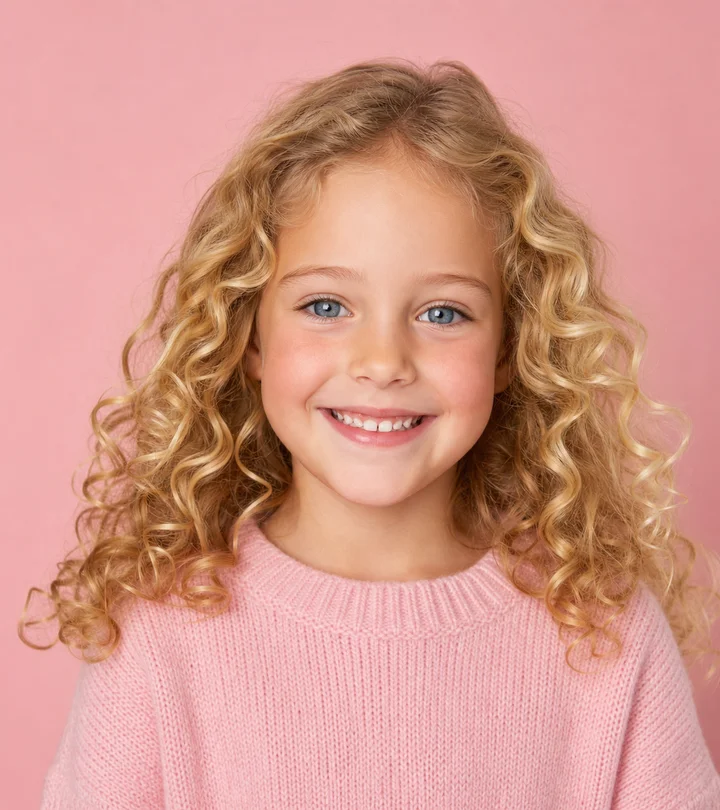 Before
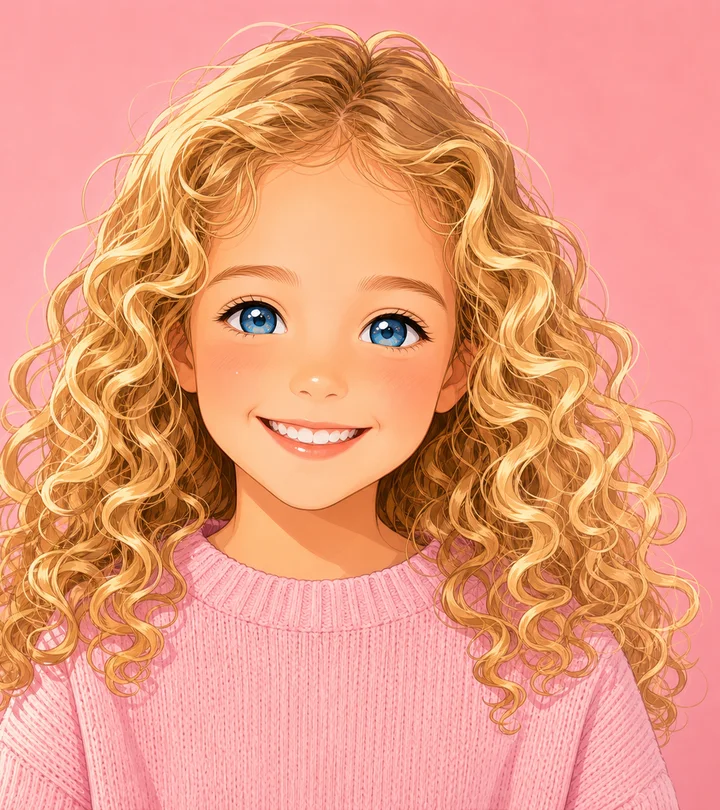 After
AfterAnime Style
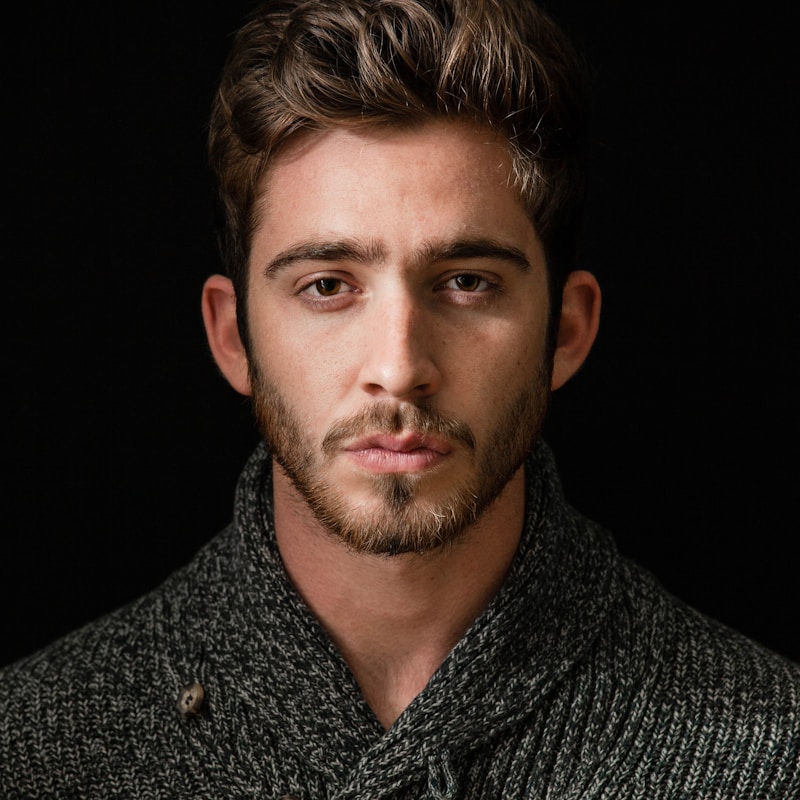 Before
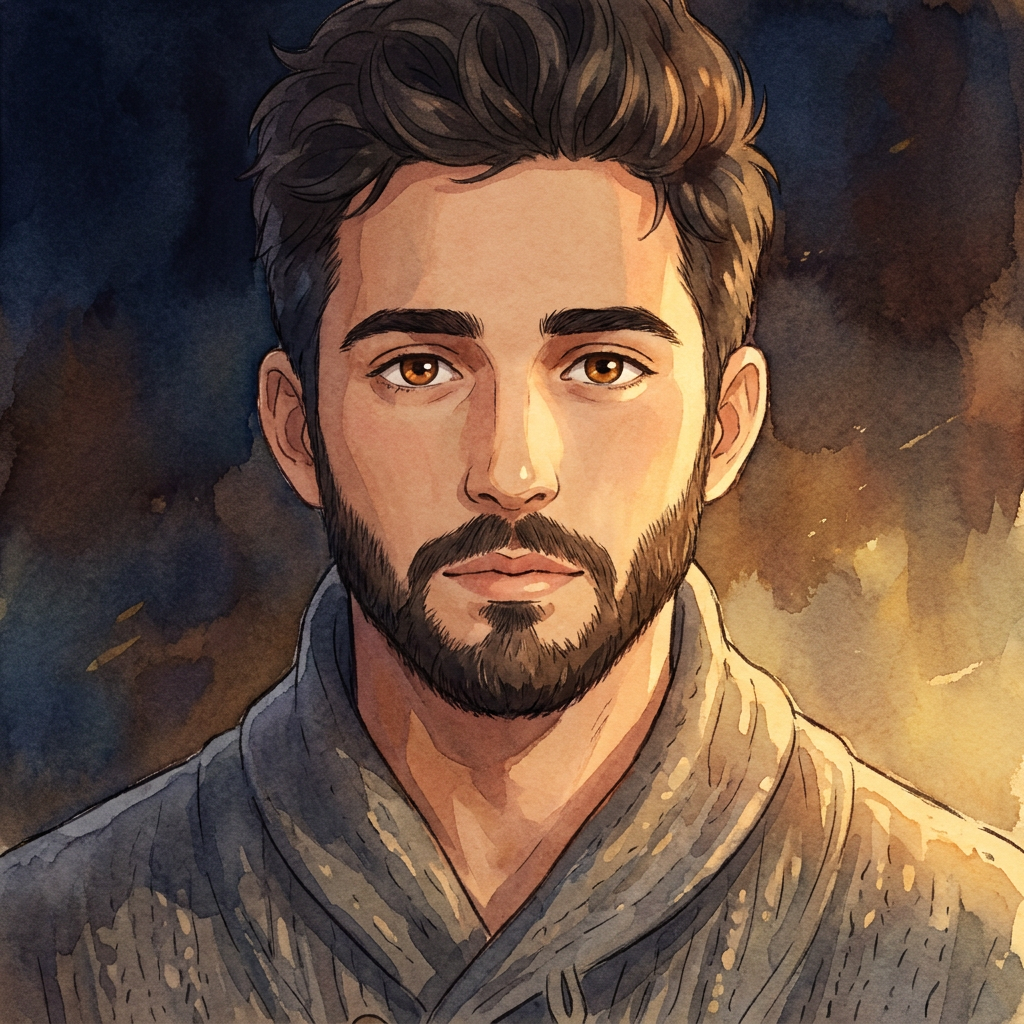 After
AfterGhibli Style
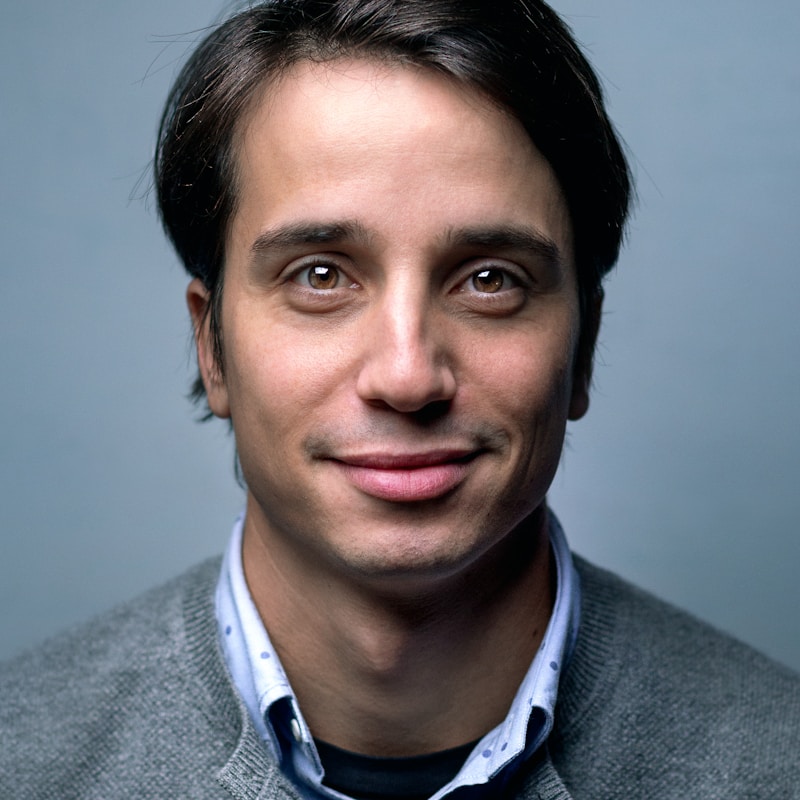 Before
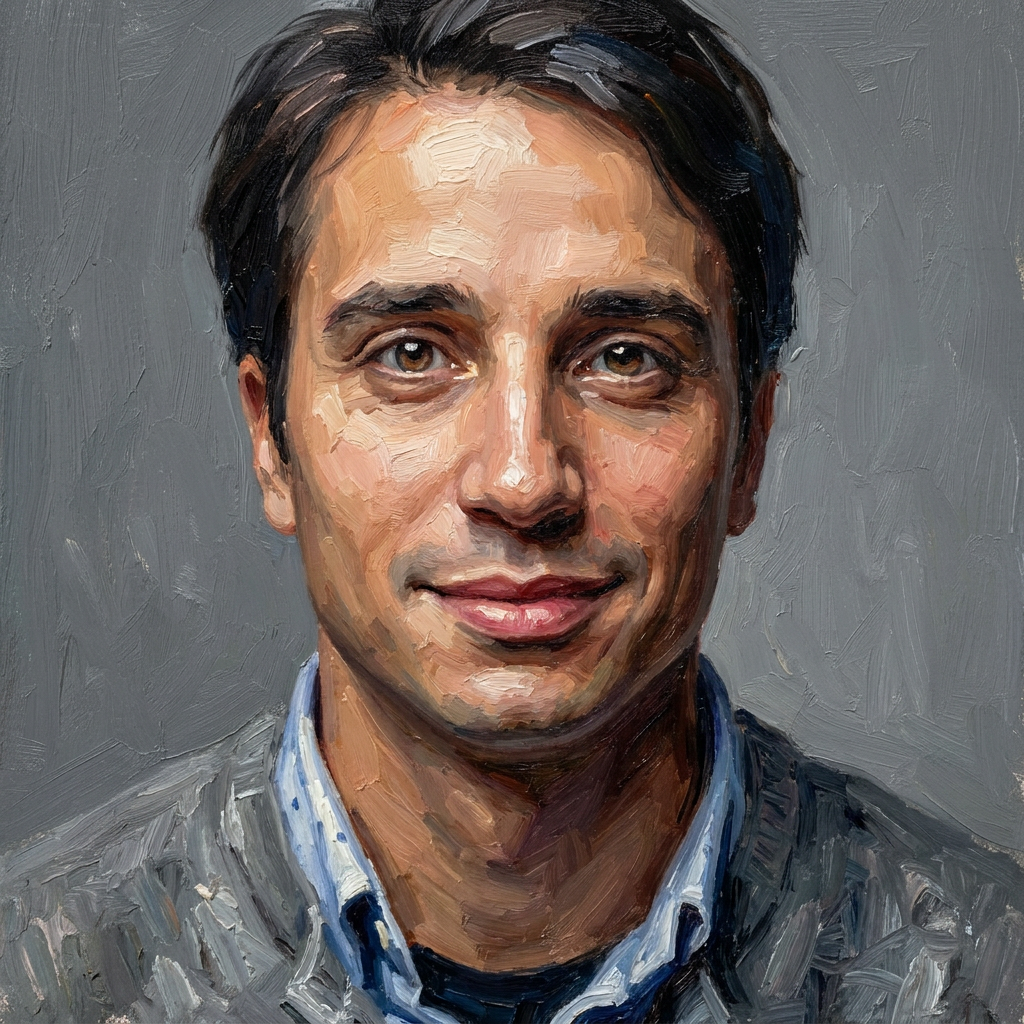 After
AfterOil Painting
Before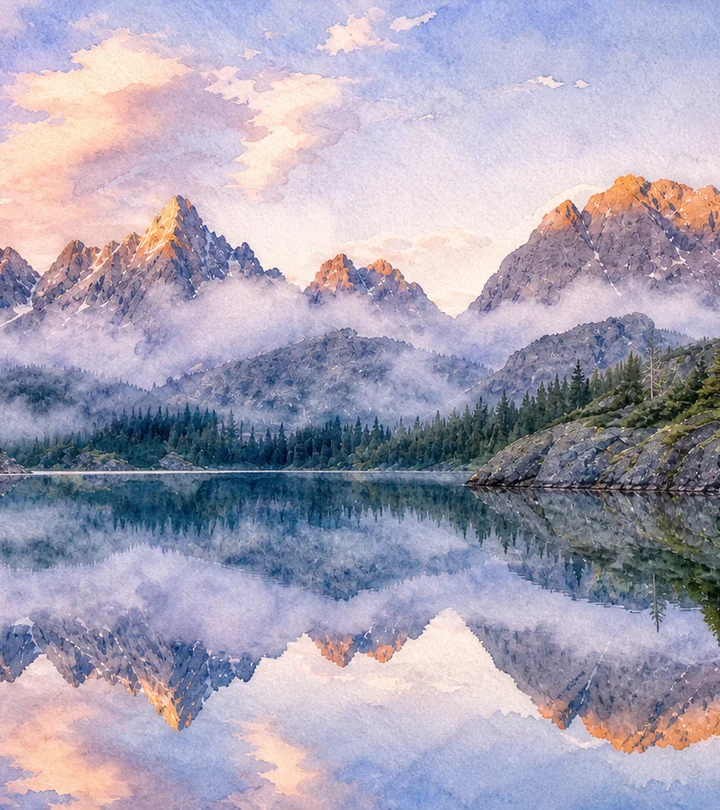 After
AfterWatercolor
Before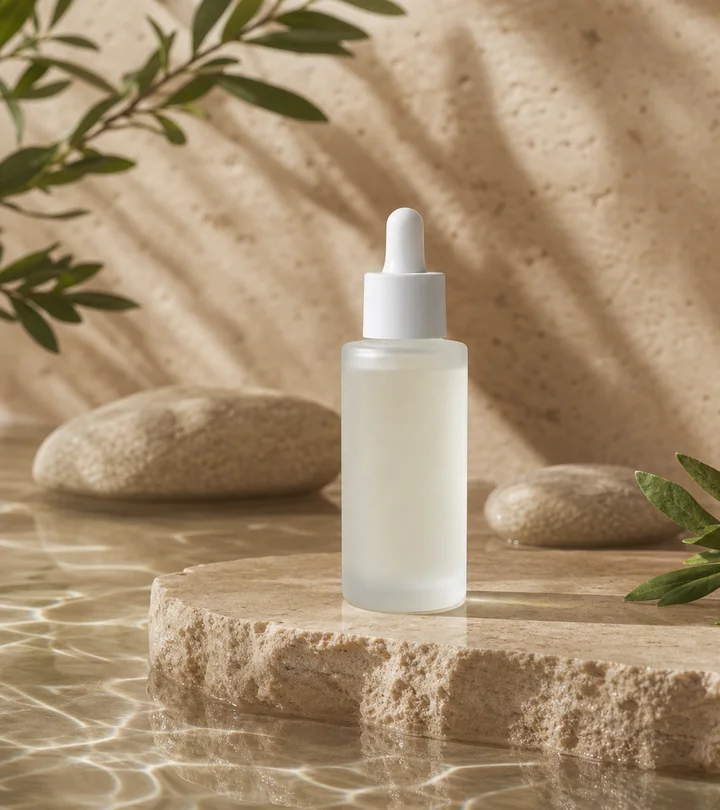 After
AfterProduct Background
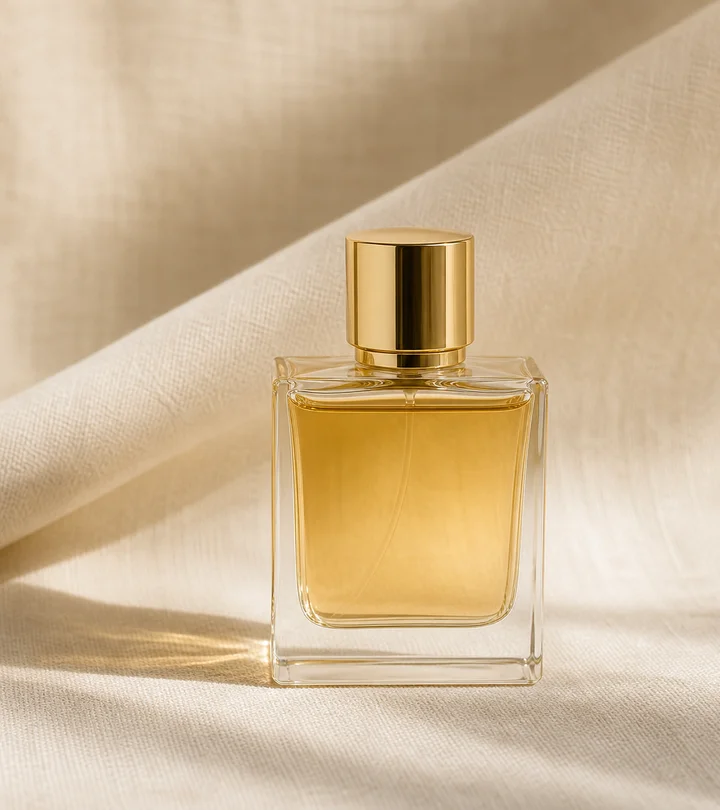 Before
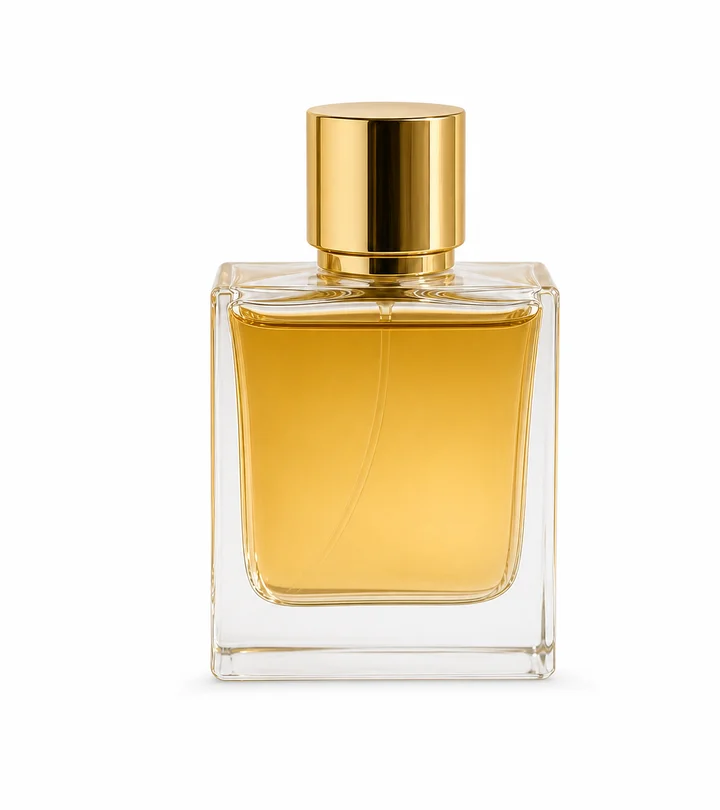 After
AfterWhite Product Photo
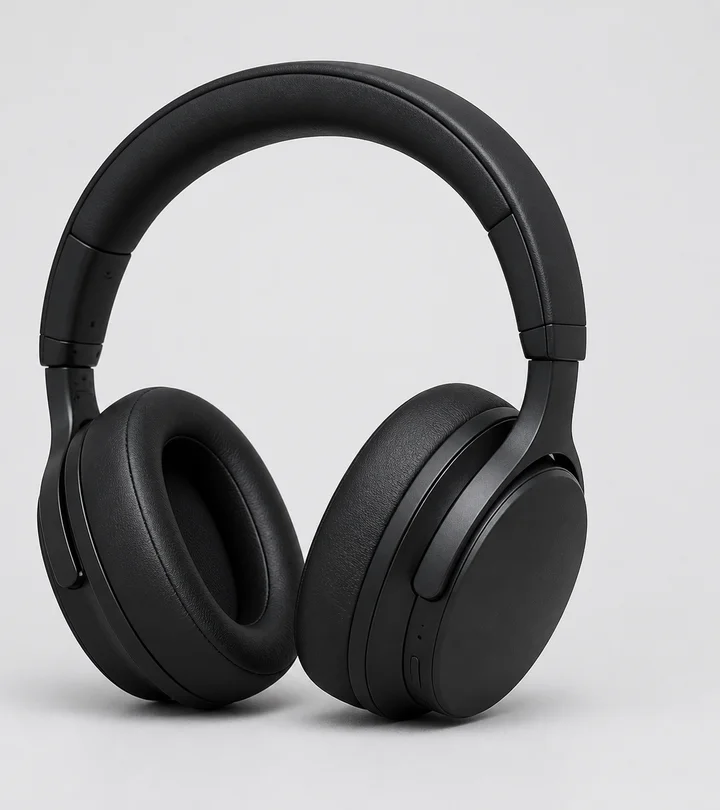 Before
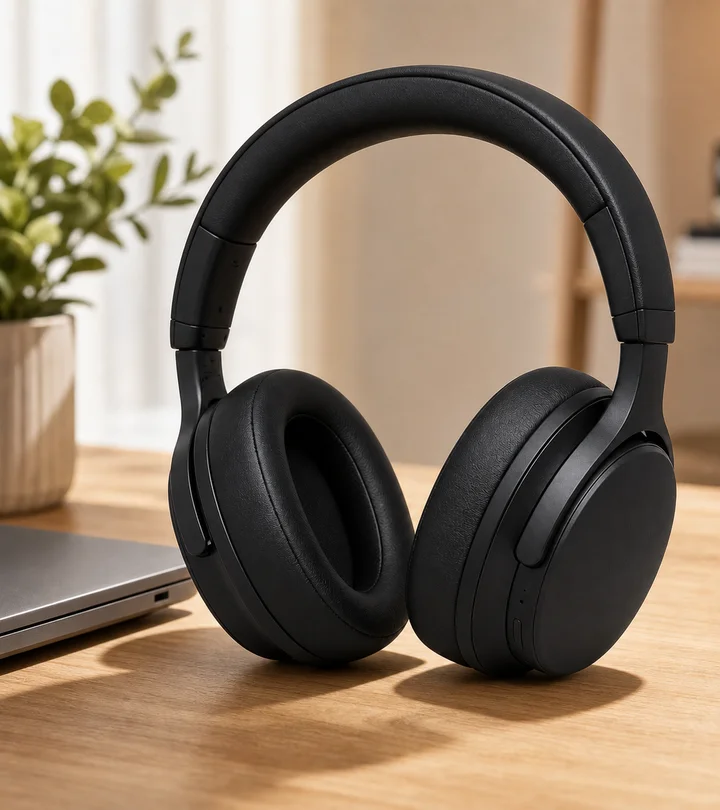 After
AfterProduct Scene
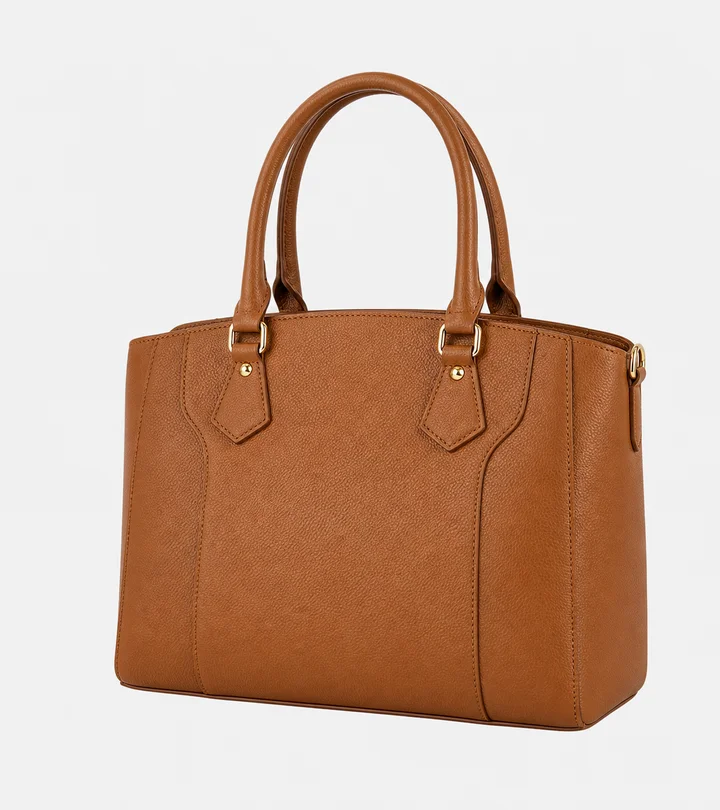 Before
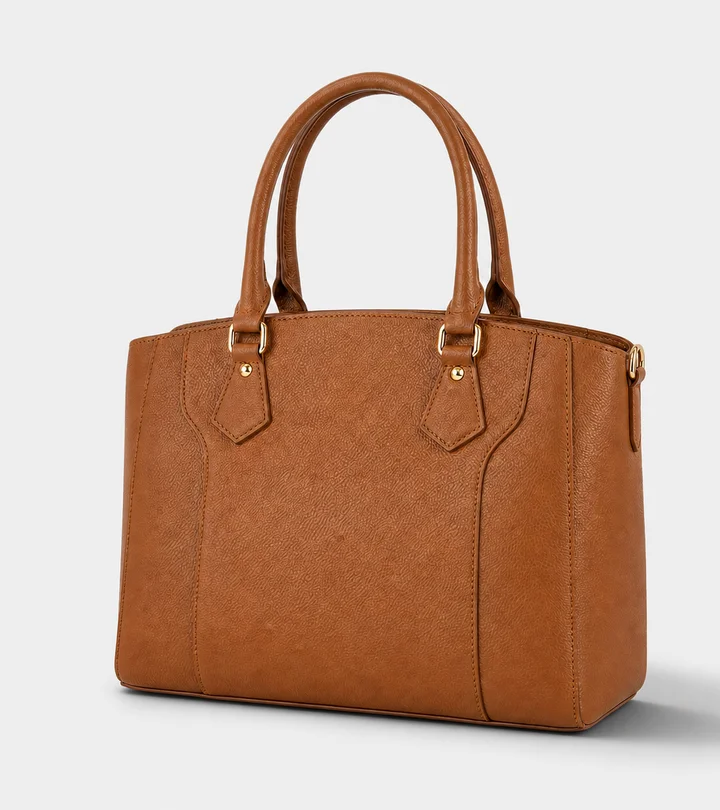 After
AfterProduct Shadow
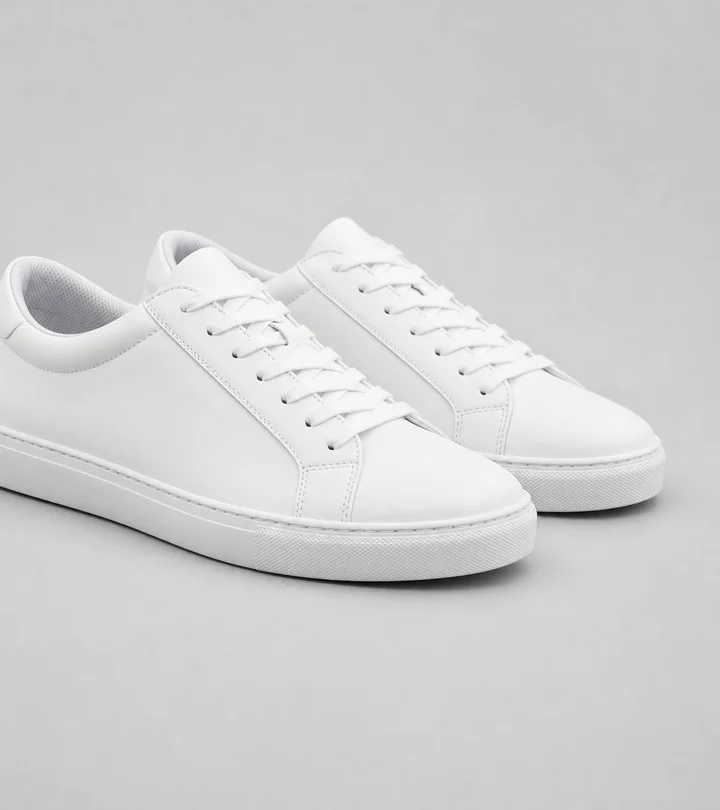 Before
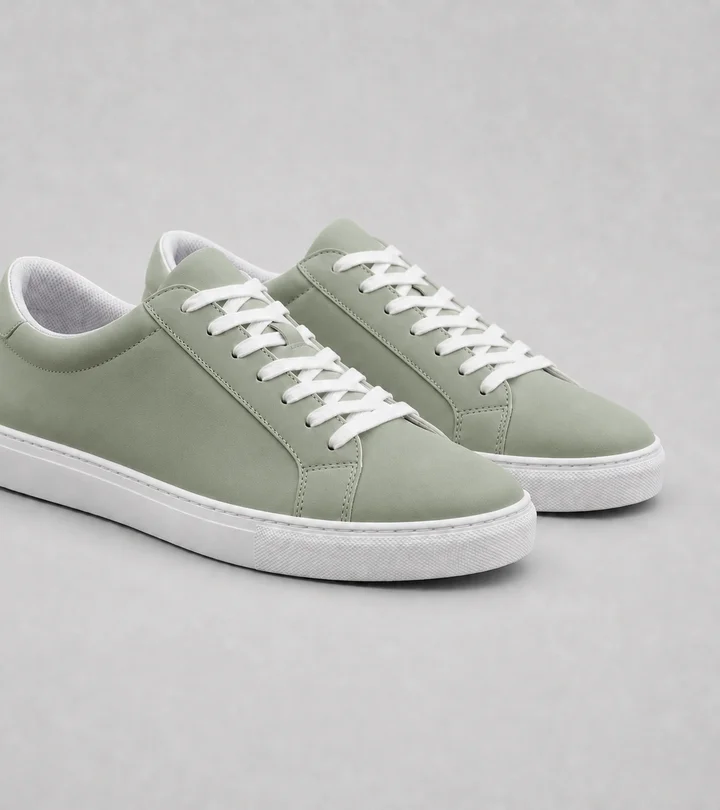 After
AfterChange Product Color
What is an AI image changer?
An AI image changer lets you edit photos with simple text instructions. Instead of learning complex software, you describe what you want — a new background, a different hairstyle, a cartoon look, or a cleaner product shot — and the AI generates the edited image.
ImageChanger bundles dozens of these focused editing workflows into one place. Whether you need a passport photo, a professional headshot, or a creative style transfer, you can start from a preset and refine the result with a short prompt.
Popular use cases
- Swap or blur photo backgrounds for portraits and social posts
- Create passport photos and professional headshots from casual selfies
- Turn photos into cartoon, sketch, 3D clay, or wallpaper art
- Generate clean ecommerce product images with white or lifestyle backgrounds
Frequently asked questions
Common questions about the AI image changer.